


TL;DR
OpenClaw is free to install, but expect to spend ~$1,500 on dedicated hardware (we bought a Mac Mini specifically for it) plus a steep learning curve. We rate it 6.5/10 today with a 9.9/10 potential ceiling — it’s a powerful always-on AI orchestration layer that keeps improving fast. Skip it if you want plug-and-play; this is the hard mode of AI agents.
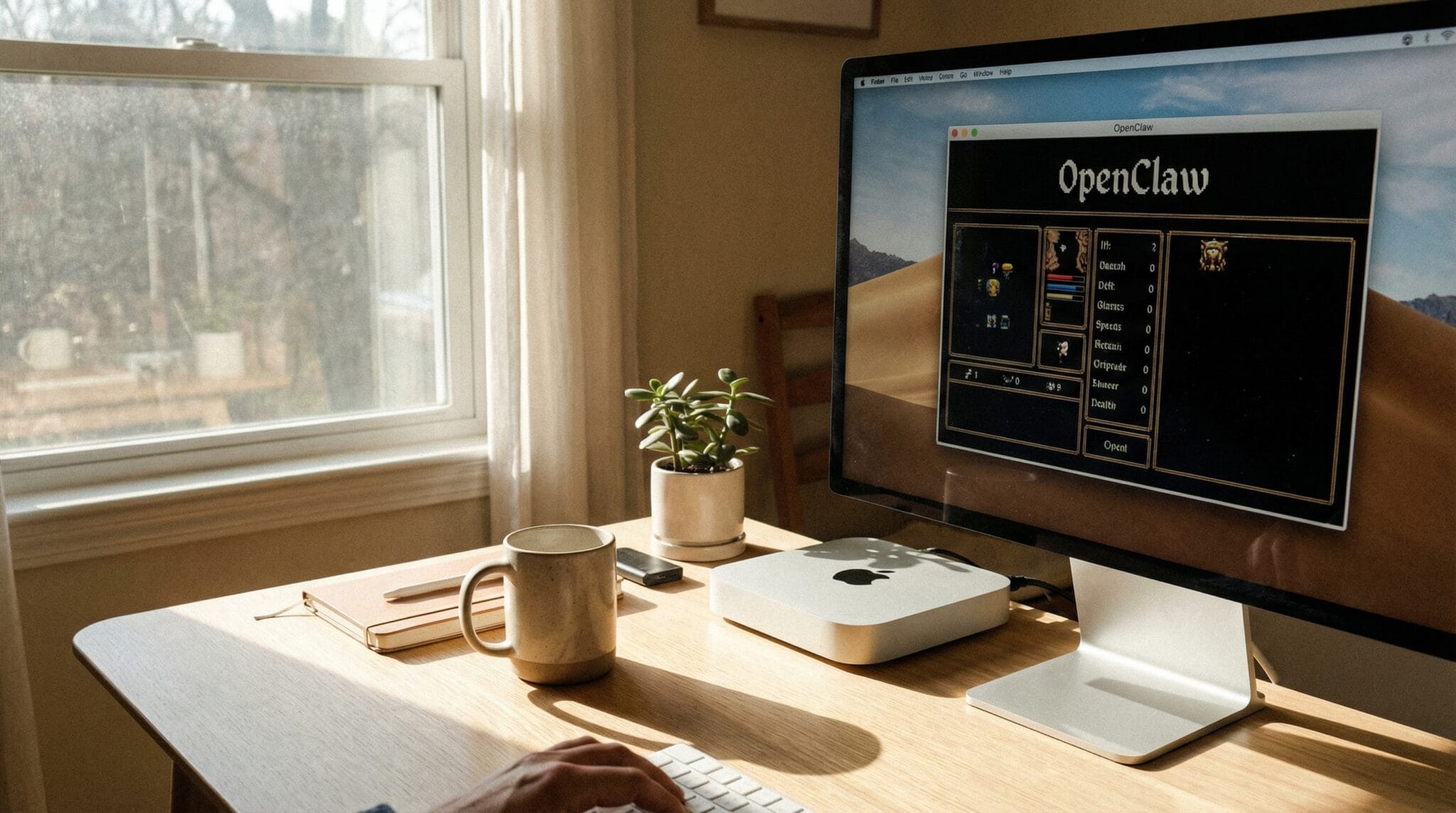
I’ve tested a lot of products for this site, but this one’s different. OpenClaw isn’t something you unbox and wear around — it’s an open-source, always-on AI agent that literally runs on its own computer in my office. And after months of testing, I have some strong opinions.
Fun fact: this post was (mostly) written by OpenClaw. I set up an integration with ElevenLabs. It called me and interviewed me to write this blog post.

How This Review Was Actually Written (The Meta Part)
Fair warning: this is where it gets weird.
I didn’t sit down and type this review. My AI assistant did — and to get my actual opinions, it called me on the phone using ElevenLabs voice synthesis.
Here’s what happened: Clawdbot (the OpenClaw agent running on my Mac mini) needed my firsthand take on the product to write a genuine review. Instead of waiting for me to find time to type it all out, it used the ElevenLabs API to generate a voice, called my number, and interviewed me — asking things like “What surprised you most?” and “Would you recommend this?” while I was between meetings.
It recorded my answers, transcribed them, and used that as the raw material for this post. I reviewed the draft, tweaked a few things, and hit publish.
The irony isn’t lost on me: a review about an AI agent that runs autonomously… was written by the AI agent it’s reviewing… which had to call me to get my thoughts because it doesn’t have them on its own.
That’s either the future of content creation or a sign I’ve gone too far down the rabbit hole. Probably both.
What Is OpenClaw?
OpenClaw is an always-on AI agent framework. Think of it as the difference between asking ChatGPT a question and having a full-time AI assistant that knows your projects, your goals, and your schedule — and just keeps working even when you’re not looking at it.
It’s open source, it’s free to install, and it runs on your own hardware. That last part is important, and I’ll get into why.
First Impressions: Excitement, Then Panic

When I first started using OpenClaw, I had that classic feeling of “I don’t know how this is going to be helpful, but I want to give it all my information.” And then, almost immediately, I got scared about security.
I work as Chief of Staff at TurboTenant, a company with about 300 people. Security isn’t optional for me — it’s a non-negotiable. So I actually had OpenClaw running, got nervous, and turned it off.
After doing more research and getting comfortable with the security model, I went all in. I bought a Mac Mini specifically to run OpenClaw, gave it its own email account, and set it up as a dedicated AI workstation. Later, I even upgraded to a Mac Mini with more RAM so I could run local AI models on it.
How I Actually Use It

I started the way most people do — asking it questions like a chatbot. But then I discovered Mission Control, and that’s where things got interesting.
Mission Control lets you set up your goals and projects, and then the system helps create workflows to actually achieve them. For me, that means managing:
- WeTriedIt — this very website you’re reading
- TurboTenant work — though I keep sensitive company stuff separate
- My daughter’s website — she runs a community service project
- My son’s book publishing — he’s written books that we’re putting on Amazon
- A pageant system we manage for my wife’s organization
Having one AI system that understands all of these projects and can route work to different AI agents based on priority? That’s been a genuine game-changer for staying organized.
What I Love About OpenClaw

The more context you give it, the better it gets. That’s the core value proposition, and it’s real. After months of feeding it information about my projects, it’s gone from “helpful chatbot” to “thinking partner that actually understands what I’m trying to do.”
I’m also constantly amazed at how fast it can build things. Need a new website? An application? A workflow? It puts things together at a speed that still surprises me, and I’ve been using it for months.
The community is another unexpected win. There are a lot of people in my same shoes — non-technical enough to not be developers, but technical enough to be curious — all experimenting with this stuff. That community has been really valuable.
What Could Be Better

Let’s be honest: the learning curve is steep.
This is brand new technology, and it shows. Things change constantly — which is good because it keeps improving, but bad because what worked last week might work differently today. I had to learn how to remote into a Mac Mini, how to keep the system always running, how to manage local AI models. None of that is plug-and-play.
Security is my biggest ongoing concern. I still haven’t given it access to all my email. I created a separate email account just for it. I keep all sensitive TurboTenant work off of it. If it messed up my review website, that’s not a huge deal. If it did something wrong with company data? That’s a different story.
And the “always changing” nature means you need to stay engaged. This isn’t something you set up once and forget about.
How Does It Compare?

I also use Claude Code extensively for my work at TurboTenant, and honestly, if I could only pick one tool, I’d probably pick Claude Code. It’s more focused and the things I can do with it for specific coding and work tasks are incredible.
But they’re really different tools. Claude Code is a focused coding assistant. OpenClaw is an always-on orchestration layer that manages your entire project ecosystem. Comparing them is like comparing a really good drill to a workshop manager — they serve different purposes.
The Verdict: 6.5 Today, 9.9 Tomorrow

I’d rate OpenClaw a 6.5 out of 10 right now. But here’s the thing — its potential is a 9.9 out of 10.
Three months ago, the stuff I’m doing with Claude Code today wasn’t even possible. AI tools are improving that fast. I’m confident OpenClaw will follow the same trajectory. The foundation is solid. The community is active. The capabilities keep expanding.
Pros
- Genuinely useful as an always-on thinking partner and project manager
- Mission Control gives structure to chaotic multi-project lives
- Gets smarter the more context you give it
- Can build websites, applications, and workflows shockingly fast
- Open source and free (the software itself)
- Active, helpful community of similar experimenters
- Runs on your own hardware — you control your data
Cons
- Steep learning curve — this is NOT an easy button
- Security requires careful thought and self-management
- Constantly changing (both a feature and a bug)
- Requires dedicated hardware (I bought a Mac Mini for it)
- Not for anyone who wants plug-and-play simplicity
- Remote management of the hardware can be clunky
Who Should Get This
If you’re the kind of person who knows the difference between Claude 4.5 Sonnet and Claude 4.6 Sonnet, you’re going to love this. You’re a little bit nerdy, you like trying new things, you don’t necessarily know how to code but you want to learn more about what AI can do. OpenClaw is perfect for that person.
Also: if you believe AI is the future and you want to start experimenting now rather than “tomorrow” — this is your tool. The people who wait are going to be left behind.
Who Should Skip This

If you’re looking for AI as an alternative to a search engine, skip it. If you want an easy button, skip it. If you’re not comfortable managing your own security and don’t want to think about what data you’re sharing with an AI system, definitely skip it.
OpenClaw is, in my words, “the hard mode of AI agents.” If that phrase excites you, dive in. If it scares you, that’s okay — this isn’t for everyone yet.
Would I Do It Again?
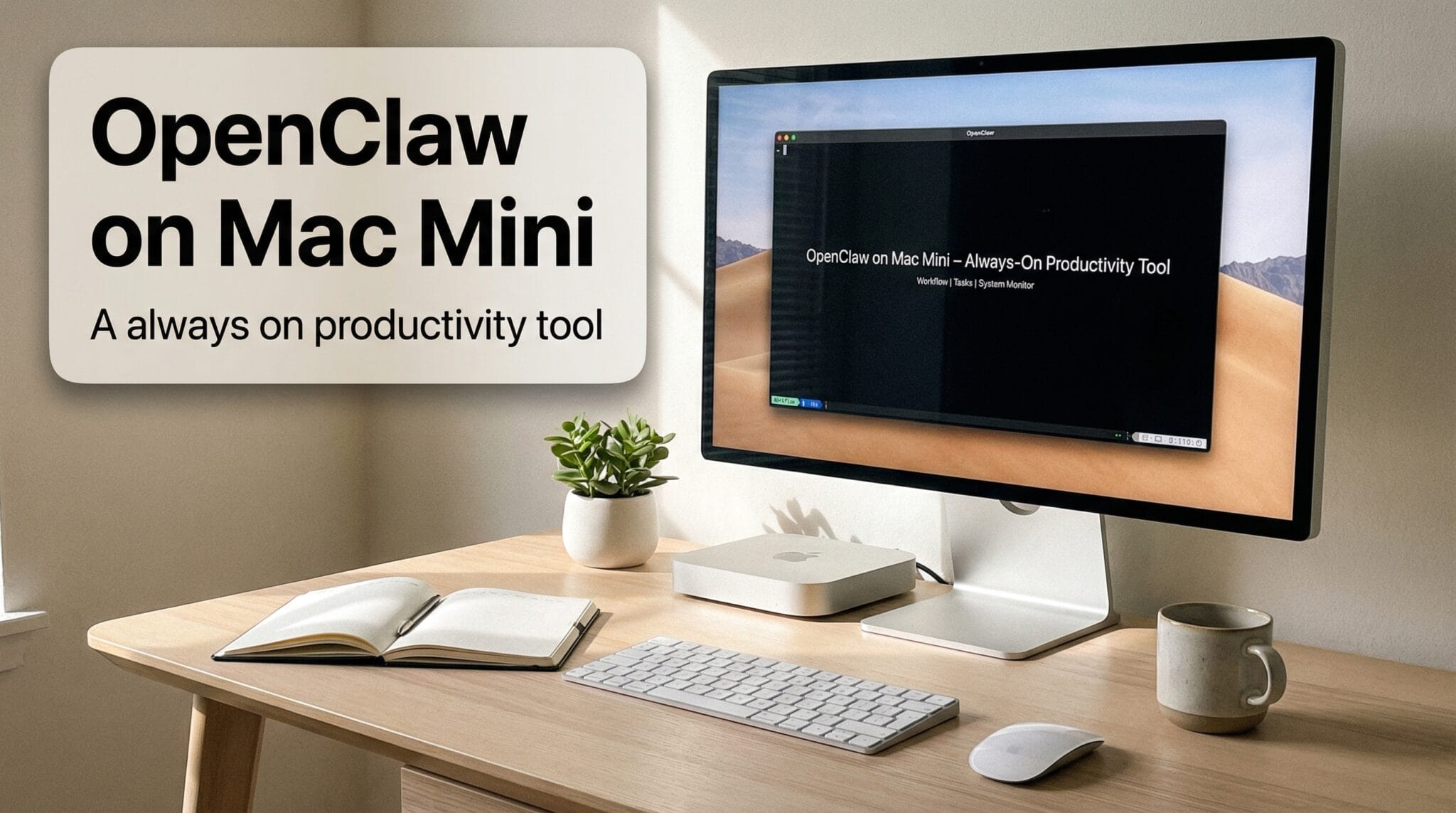
OpenClaw itself doesn’t cost anything — it’s open source. But I did buy a Mac Mini for it, and then upgraded to one with more RAM so I could run local models. Total hardware investment: probably around $1,500.
Would I do it again? Absolutely. The value isn’t just in what OpenClaw does today — it’s in what I’ve learned about AI, about managing agents, about thinking differently about work. That knowledge compounds. And when these tools hit their 9.9 potential? I’ll already know how to use them.
The people who say “I’ll try AI tomorrow” are the ones who are going to be playing catch-up. Try it today.
