
Smart displays have quietly become the busiest screen in the house — the thing the whole family checks before the coffee finishes brewing. Some are giant Alexa tablets with a TV baked in. Some are dedicated family calendars that exist for exactly one job: getting everyone to the right place at the right time. After comparing all four (two of them live on our walls right now), we have strong opinions about which one actually earns its spot.
Last Updated: June 2026
TL;DR — Just Tell Me What to Buy
Best overall for most families: the Skylight Calendar Max. It’s built to be the rare gadget kids actually look at without being told to — exactly the dynamic we’ve seen with our Hearth. The 27-inch QHD screen is gorgeous, the Magic Import feature turns a school-PDF into calendar events in seconds, and it does the one thing a family calendar has to do: it gets used. You pay $629.99 plus a $79/yr Plus plan, and it’s worth it.
- Best overall / best-looking family calendar: Skylight Calendar Max — the 27-inch QHD screen built for everyone in the house to actually check.
- Best for chore charts & deep family organization: Hearth Display — the ultimate command center, but it’s $699 plus a monthly membership.
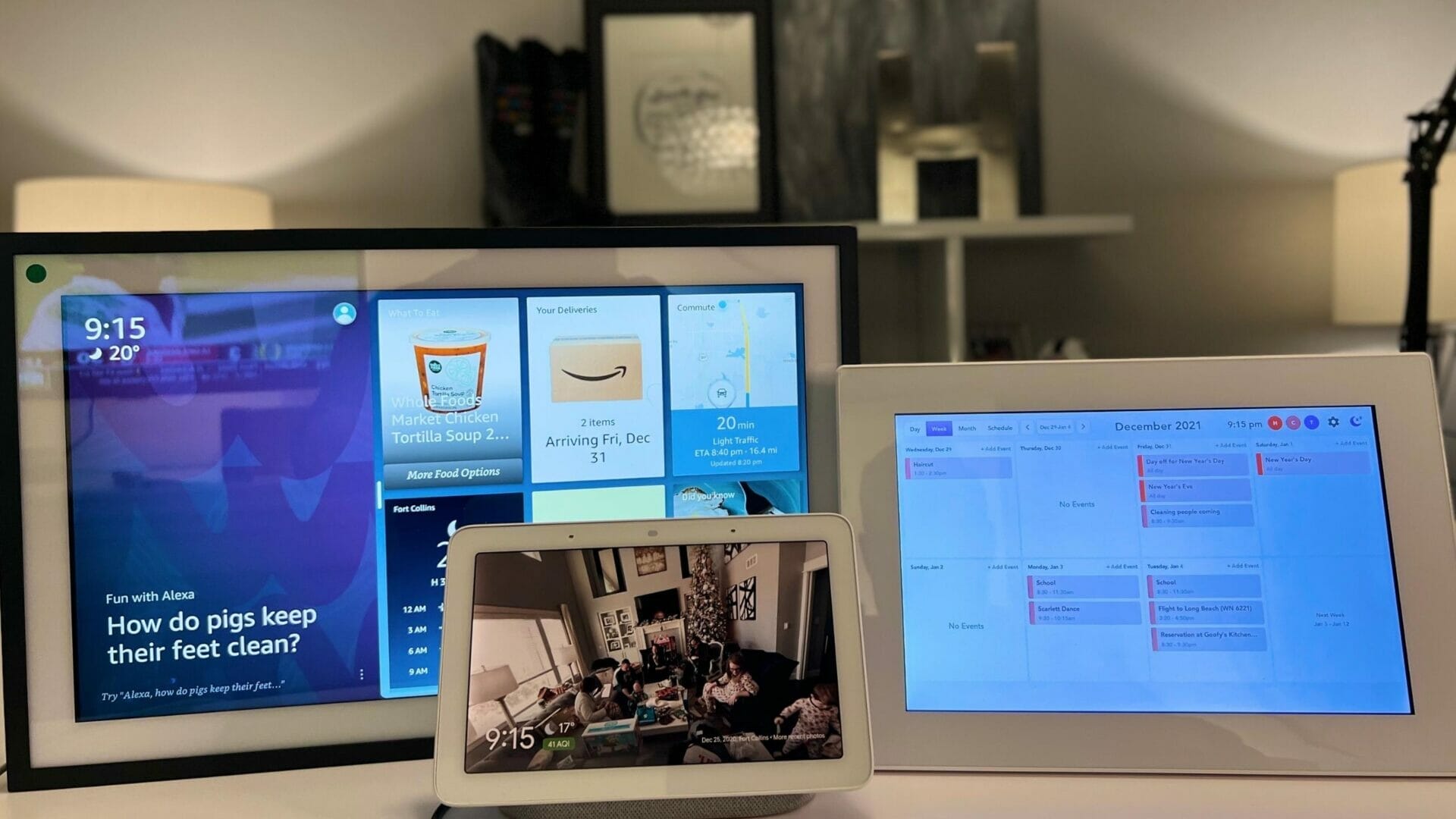
- Best for Alexa power users & smart homes: Echo Show 21 — a giant Alexa with Fire TV built in. Great for control and video calls; busier and noisier than a dedicated calendar.
- Best for a kitchen counter (and best value): Amazon Echo Show 11 — the new 2025 model at $220 is the size most people actually want.
- What we’d skip: the Google Nest Hub Max for a new purchase — it’s still useful if you live in Google’s world, but it’s 2019 hardware that’s overdue for a replacement.
The short version: if you want a family calendar everyone uses, buy the Skylight Calendar Max. If you want a smart-home hub and don’t care about a dedicated calendar, get an Echo Show. The “best smart display” depends entirely on which job you’re hiring it for.
Quick Comparison
| Product | Price (2026) | Best For |
|---|---|---|
| Skylight Calendar Max | $629.99 + $79/yr Plus plan | Best overall — the family calendar everyone actually checks |
| Hearth Display | $699 + $9/mo membership | Deepest chore charts, routines & AI helper for big families |
| Echo Show 21 | ~$400 | Alexa power users — Fire TV, video calls, smart-home hub |
| Echo Show 11 (new 2025) | ~$220 | Best value — the right size for a kitchen counter |
| Google Nest Hub Max | ~$229 | Google households only — aging hardware, skip for new buys |
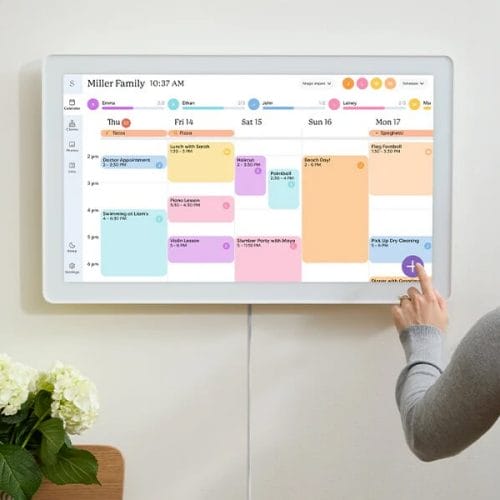
Think of this as a larger, snappier version of the smaller Skylight Calendar. Full of great, innovative features for busy families.
Echo Show 21 vs. Skylight: which one should you actually buy?
Let’s answer it head-on: buy the Skylight Calendar Max if you want a family calendar everyone in the house actually uses, and buy the Echo Show 21 if you want Alexa, Fire TV streaming, and smart-home control on a big screen. They look like the same product — two giant screens you hang on a wall — but they are built for completely different jobs, and picking the wrong one is the single most common smart-display mistake we see.
Here’s the honest breakdown, comparing the two head-to-head on specs and real-world reports:
- The core job is different. The Skylight Calendar Max exists to be a family calendar — color-coded per person, chores, meal plans, to-do lists, no distractions. The Echo Show 21 is a giant Alexa with a TV inside; its calendar is a side feature, not the main event.
- Voice & entertainment. The Echo Show 21 wins easily — Alexa is built in, you get Fire TV (Prime Video, Netflix, Disney+), music, recipes, video calls, and full smart-home control. The Skylight has no voice assistant; you tap the screen or use the app.
- The screen. Skylight is a 27-inch QHD panel that genuinely looks like wall art when it’s idle (it doubles as a photo frame). The Echo Show 21 is a 21-inch Full HD screen that’s always doing something — and that “something” is where it lost us.
- The vibe. Here’s our real gripe with the Echo Show as a calendar: we did hate the “news ticker” type approach that was always changing. A family calendar should be calm and glanceable. The Echo Show is constantly rotating widgets, ads, and suggestions, which is great for a kitchen Alexa and bad for “is soccer practice Tuesday or Wednesday?”
- Cost. The Echo Show 21 is cheaper up front (~$400, no subscription). The Skylight Calendar Max is $629.99 plus a $79/yr Plus plan for the photo screensaver and the Magic Import tool. You’re paying more for the Skylight, but you’re paying for a calendar that actually gets looked at.
Our verdict: if your real problem is “nobody in this house knows what’s happening this week,” buy the Skylight. If your real problem is “I want a smart-home command center and a kitchen TV,” buy the Echo Show — and honestly, look at the smaller, cheaper Echo Show 11 ($220) unless you specifically want the 21-inch wall unit. Trying to force the Echo Show to be your family calendar is where people end up disappointed.
Think of this as a larger, snappier version of the smaller Skylight Calendar. Full of great, innovative features for busy families.
The 2026 lineup: what changed since last year

If you shopped for a smart display a year ago, the field has shifted. A quick map of where things stand in 2026:
- Amazon went wide. The Echo Show line now runs from the tiny Show 5 ($90) up through the Show 8 ($180), the brand-new Show 11 ($220), the wall-mountable Show 15 ($300), and the big Show 21 ($400). The Show 8 and Show 11 got a new AZ3 Pro chip and are the ones most people should actually buy.
- Skylight got pricier — and better. The Calendar Max is now $629.99 with a $79/yr Plus plan (up from last year’s pricing), but Magic Import and the photo-frame mode are worth it for a busy family.
- Hearth added AI. The Hearth Display is still ~$699 with a $9/mo Family Membership, and it now bundles an AI “Hearth Helper.” It’s the most powerful organizer here if you’ll actually use the routines and chore charts.
- Google is in a holding pattern. The Nest Hub Max hasn’t been refreshed since 2019. It now runs the full Gemini for Home experience (including Gemini Live), but it’s slow by 2026 standards, and a “Google Home Display” successor has already leaked. We wouldn’t buy the current one new.
So the field really splits two ways: dedicated family calendars (Skylight, Hearth) and do-everything smart-home displays (Echo Show, Nest Hub). Below is how each one actually stacks up.
Meet the Contenders
Skylight Calendar Max — Best Overall
Think of this as a larger, snappier version of the smaller Skylight Calendar. Full of great, innovative features for busy families.
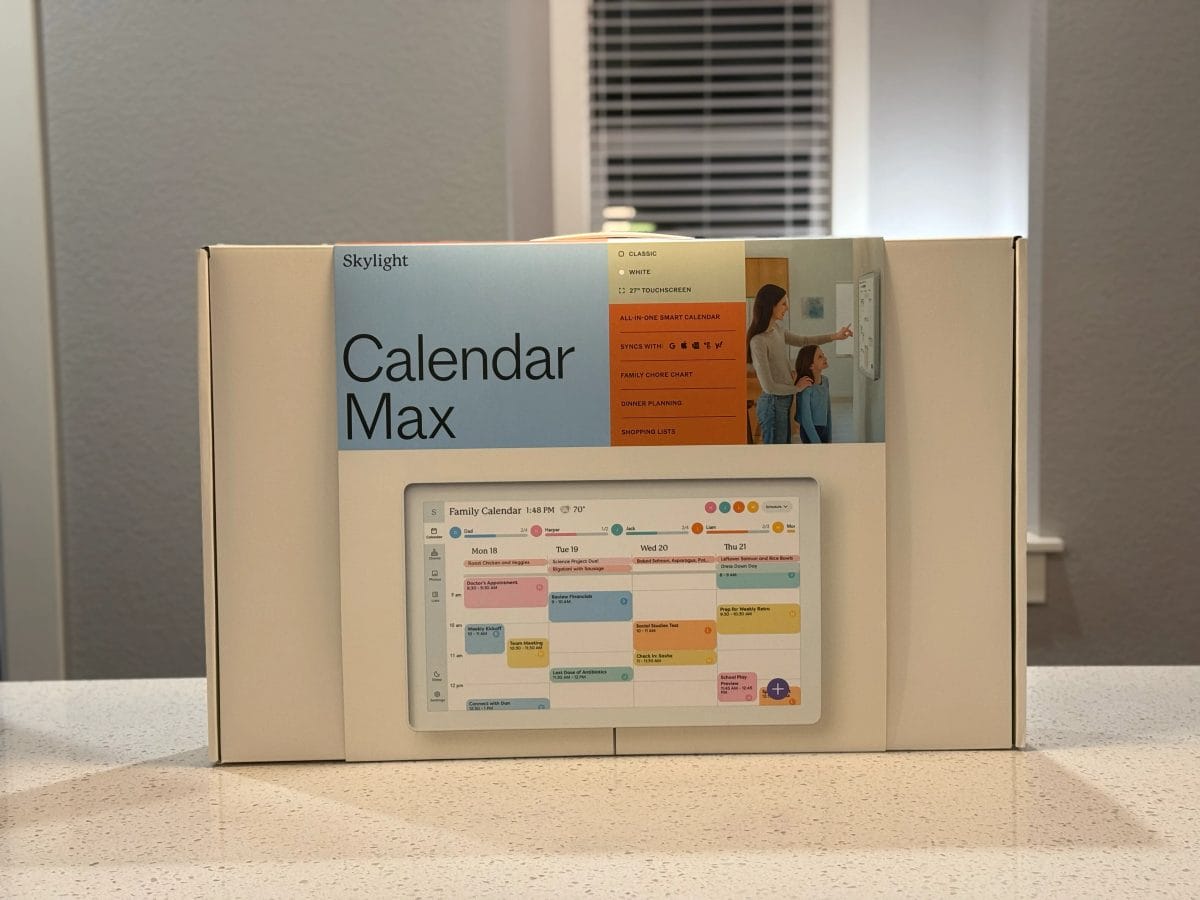
The Skylight Calendar Max is a 27-inch touchscreen with a sharp 2560 x 1440 QHD panel, and it’s the smart display we’d hand to most families without a second thought. It syncs with Google Calendar, Outlook, Apple Calendar, Cozi, and Yahoo, so every appointment lands in one shared view. When nobody’s touching it, it fades into a digital photo frame, which is why it earns its wall space instead of becoming clutter. Read our full Skylight Calendar Max review.
The standout feature is Magic Import: forward a PDF, email, or spreadsheet to the calendar and it converts the whole thing into events automatically. If you’ve ever retyped a school sports schedule by hand, you’ll understand why this alone sells the device. The catch is the price — $629.99 plus a $79/yr Plus plan for photos and Magic Import — but it’s designed to be the calendar kids check on their own — the same habit our Hearth built in our house.
Hearth Display — Best for Deep Family Organization
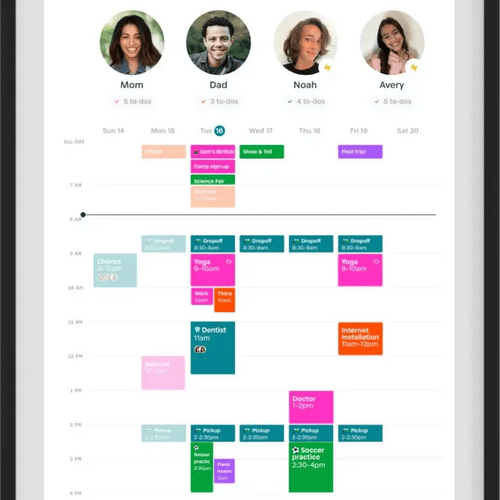
Featuring integration with virtually every calendar, an well-design app and even a chore chart, this is a game-changer for busy families. Use code WETRIEDIT12 to save!
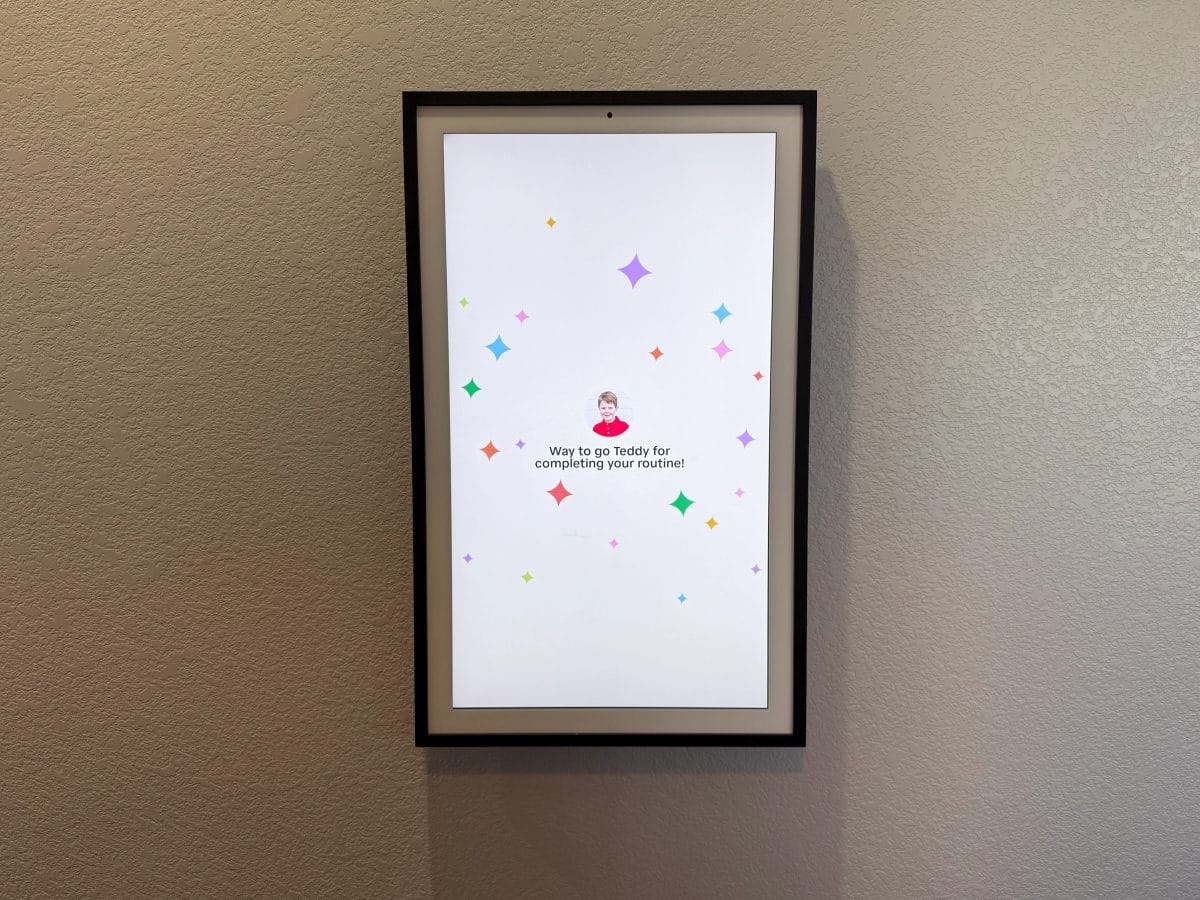
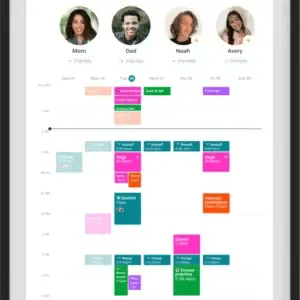
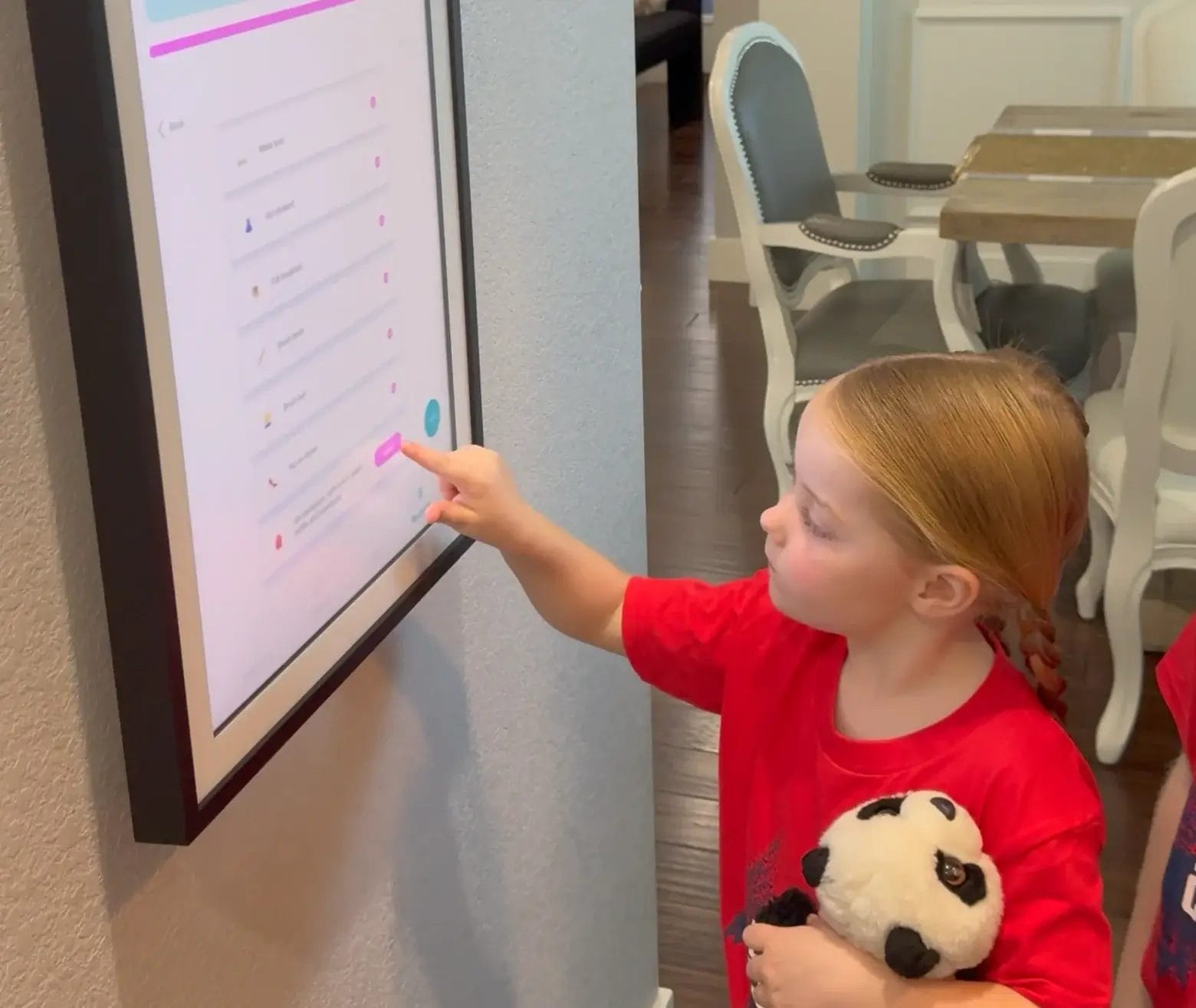
The Hearth Display is a 27-inch digital organizer built around one idea: centralize every schedule, chore, and routine for a busy household. Color-coded profiles for each family member make it the most accountability-focused option here — it’s genuinely a “command center,” and in 2026 it added an AI-powered Hearth Helper to take some of the planning load off the adults. The anti-glare, smudge-resistant screen mounts flush against the wall with customizable frames. Read our full Hearth Display review.
It syncs with Google Calendar, Apple iCal, and Outlook, and the chore-chart system is the best in this group. The tradeoff is cost: the device runs about $699, and unlocking the full feature set requires a $9/mo Family Membership. If you’ll actually run routines and chores on it, it’s worth the premium. If you mostly want a pretty shared calendar, the Skylight does that for less hassle.
Amazon Echo Show 21 — Best for Alexa & Smart Homes
Note: we originally tested the smaller Echo Show 15, but the functionality for the newer Echo Show 21 is very similar — just a bigger screen.

The best smart display that does it all - from video calls to smart home management.
- The most refined Amazon software, ever.
- Easy to set up.
- Can do anything!
- Huge display
- Expensive.
- Scrolling home screen is distracting.
- No stand included (just wall mount)
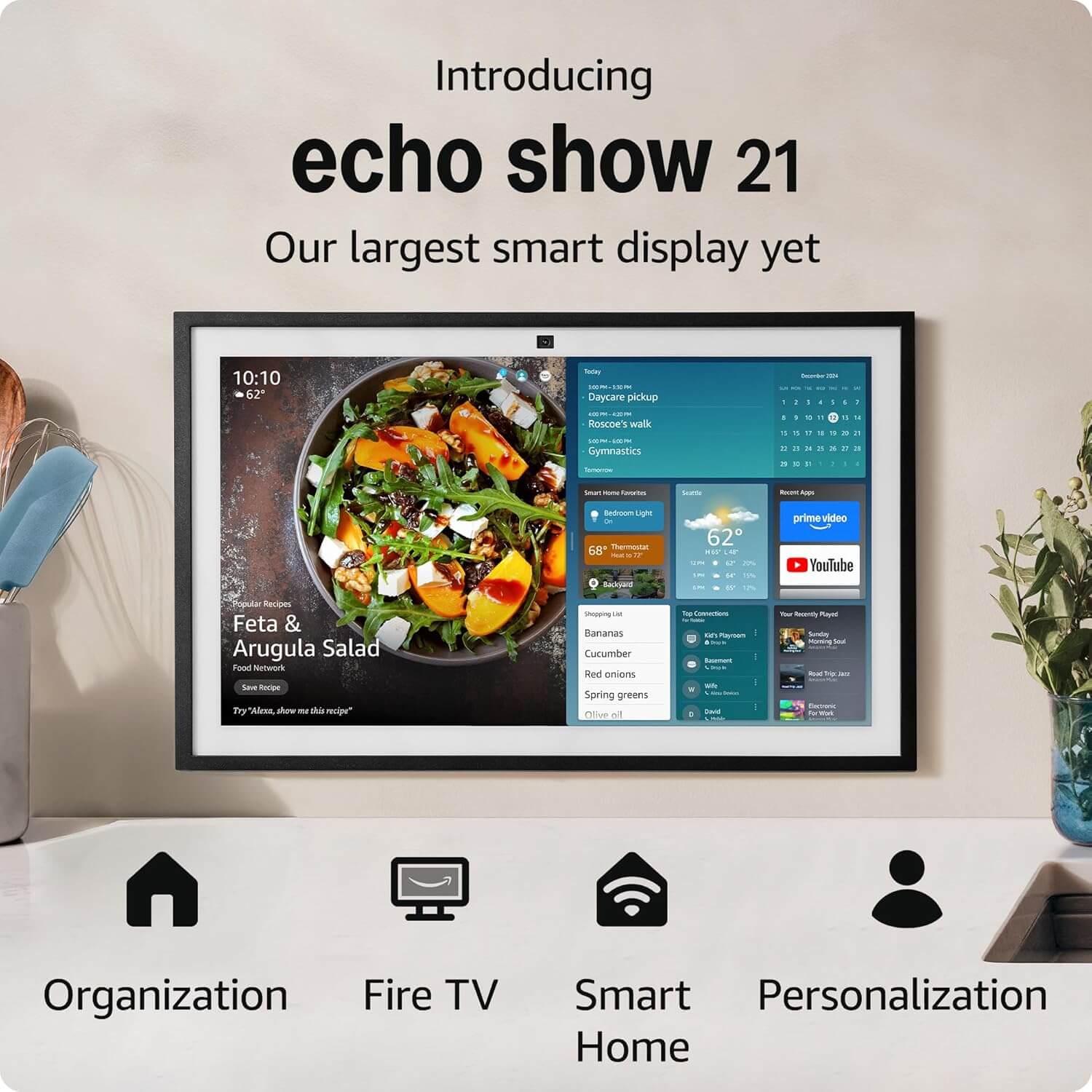
The Echo Show 21 is the biggest screen in Amazon’s lineup — a 21-inch Full HD display that doubles as a compact TV thanks to built-in Fire TV. It’s the entertainment-and-control beast: two 2-inch woofers and two 0.6-inch tweeters for real sound, a 13 MP auto-framing camera for video calls, and a built-in smart-home hub that speaks Matter, Thread, and Zigbee. If you want one screen to run your lights, stream Netflix, and take calls, this is it. At ~$400 with no subscription, it’s also cheaper up front than either family calendar.
Our honest knock on it as a family hub: we did hate the “news ticker” type approach that was always changing. As an Alexa display it’s fantastic. As a calm, glanceable calendar, the constantly rotating widgets get distracting. If the 21-inch size is more than you need, the new Echo Show 11 ($220) or Echo Show 8 ($180) deliver the same Alexa experience in a kitchen-friendly footprint — and they’re the better buy for most people.
Note: can mount on the wall or sit on a stand.
Google Nest Hub Max — Google Households Only

An inexpensive smart display that integrates with Google, especially Google Photos incredibly wel...
- Easy to use
- Integrates with Google Photos very well
- Cheap!
- Works great with other Google Products
- Doesn't always show relevant calendars
- Small screen (larger Nest Hub Max available)
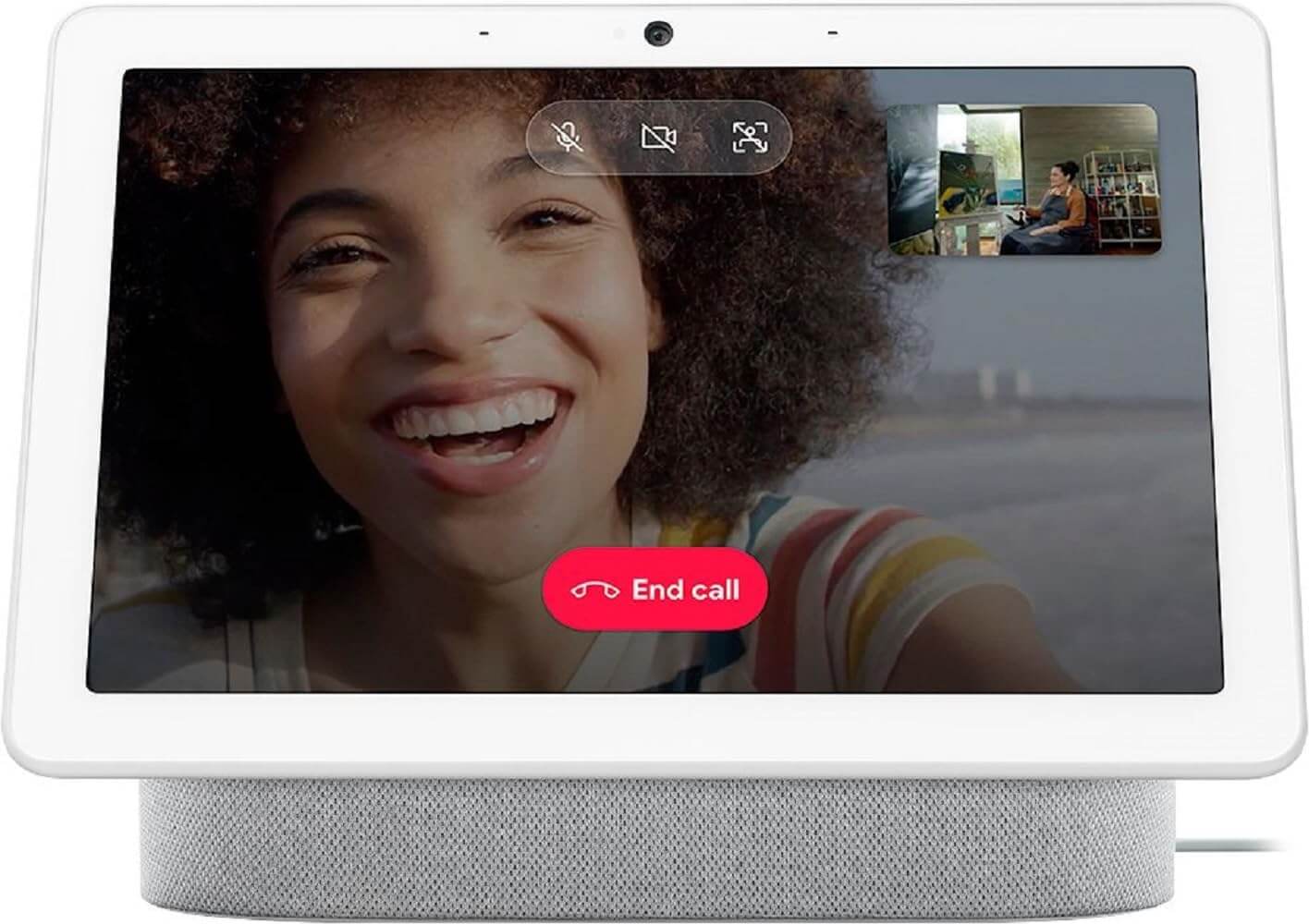
The Nest Hub Max has a 10-inch HD touchscreen, a built-in Nest Cam, and tight integration with Google Photos and Google Assistant (now upgraded to Gemini). If you’re deep in Google’s ecosystem, it’s still a genuinely pleasant little display, and it’s the most affordable device here at around $229. We use ours mostly as a digital photo frame and a way to glance at the day.
But we have to be honest in 2026: this is 2019 hardware. App loads (YouTube, Netflix) take 3–5 seconds versus near-instant on newer screens — even though full Gemini for Home, including Gemini Live, has now rolled out to it — and a “Google Home Display” successor has already leaked. For a brand-new purchase, we’d wait for the replacement or pick something else. The Nest Hub Max is a “keep it if you have it,” not a “go buy it.”
Note: tabletop only — no native wall-mount option.
Size and design: does bigger matter?
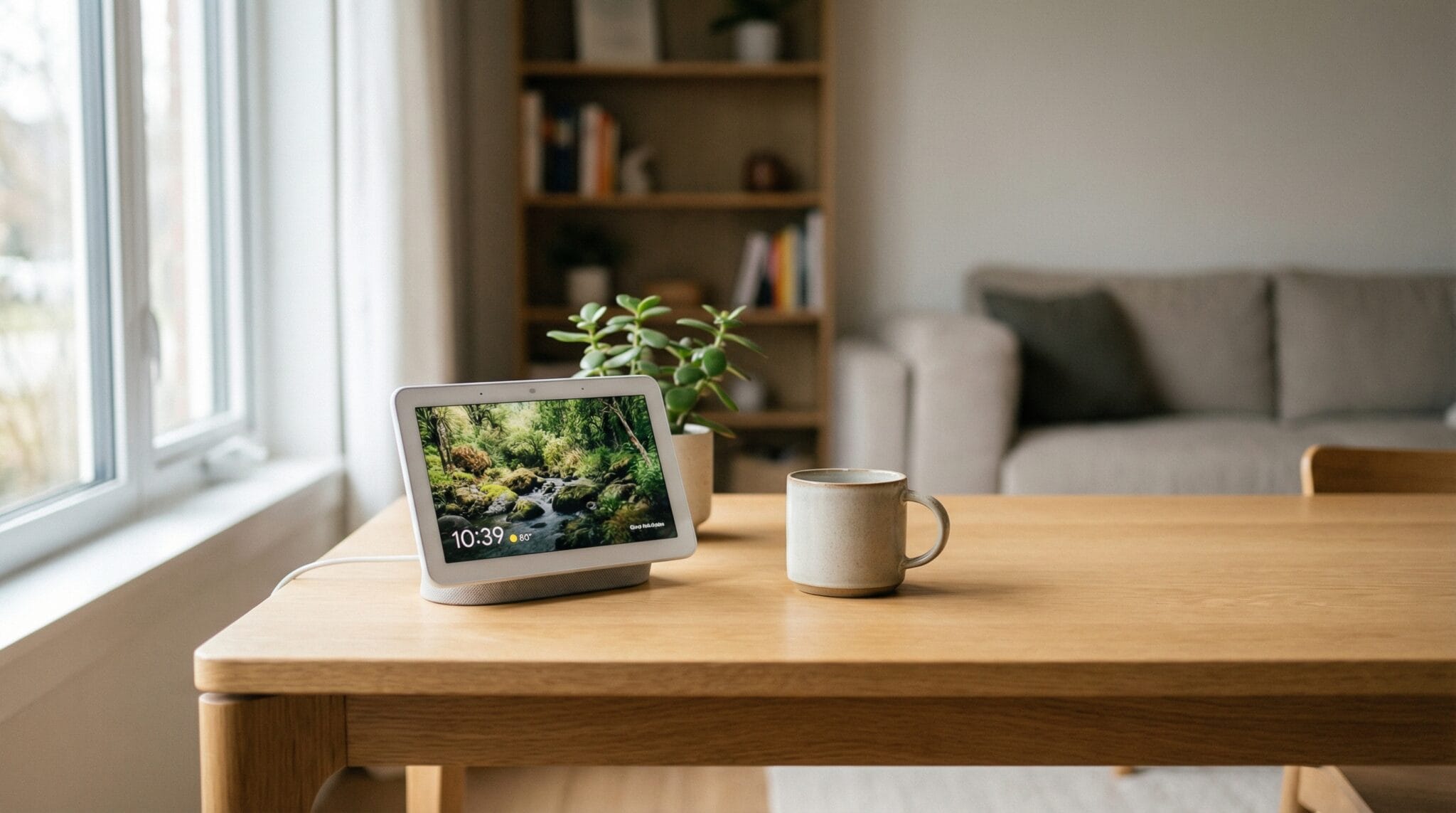
Size and placement quietly decide how much you actually use one of these. Here’s how they stack up:
- The big wall calendars (27″): Skylight Calendar Max and Hearth Display are built to be mounted and read from across the room. The Skylight’s QHD panel is the sharpest of the bunch.
- The big do-everything screen (21″): the Echo Show 21 wall-mounts or sits on a stand and gives you a substantial canvas for video and smart-home controls.
- The counter-friendly ones (8–11″): the Echo Show 8/11 and the 10-inch Nest Hub Max are the right size for a kitchen counter or nightstand, where a 27-inch panel would be overkill.
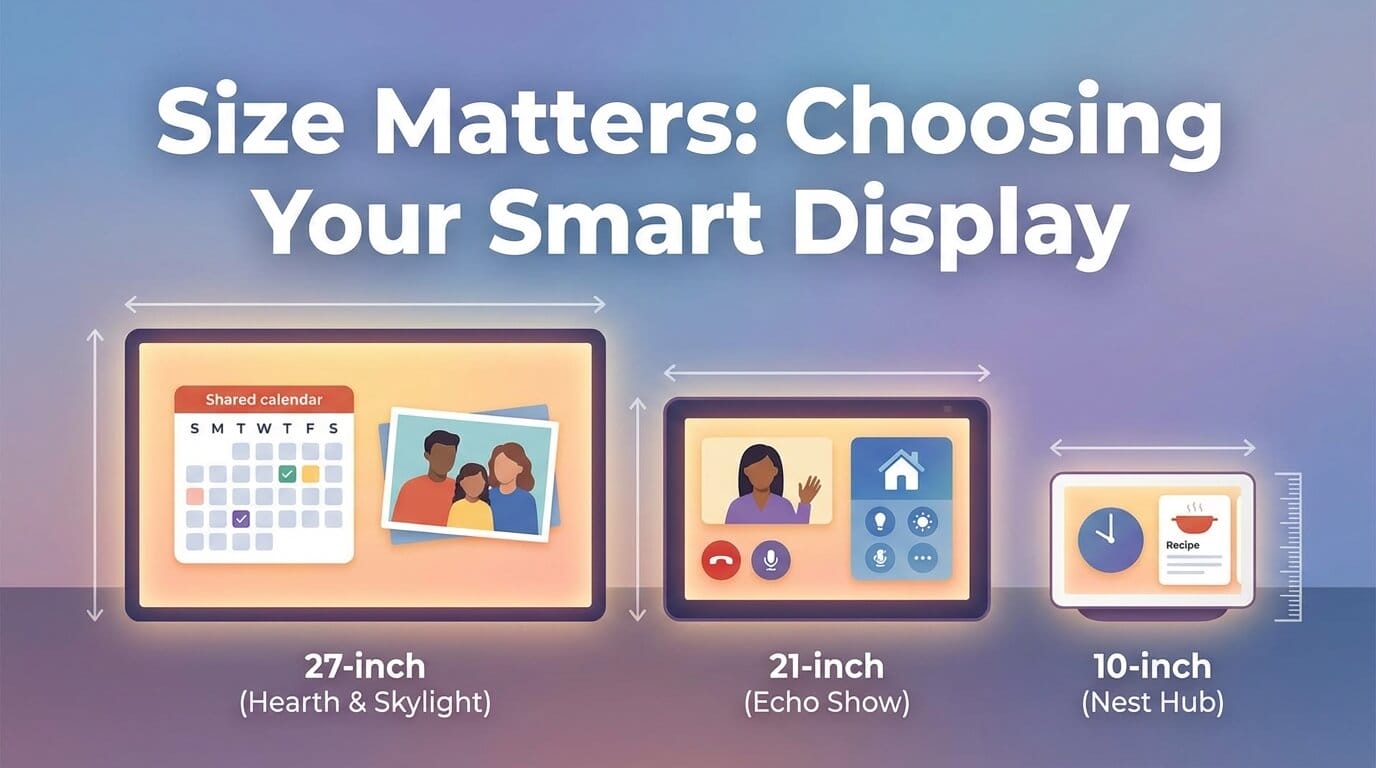
The rule we landed on: buy 27 inches if it’s going on a wall as a family calendar, and buy 8–11 inches if it’s going on a counter as a smart-home helper. The 21-inch Echo Show is the in-between pick for people who specifically want a big Alexa screen that’s not a dedicated calendar.
Smart-home integration: the quarterbacks of your house
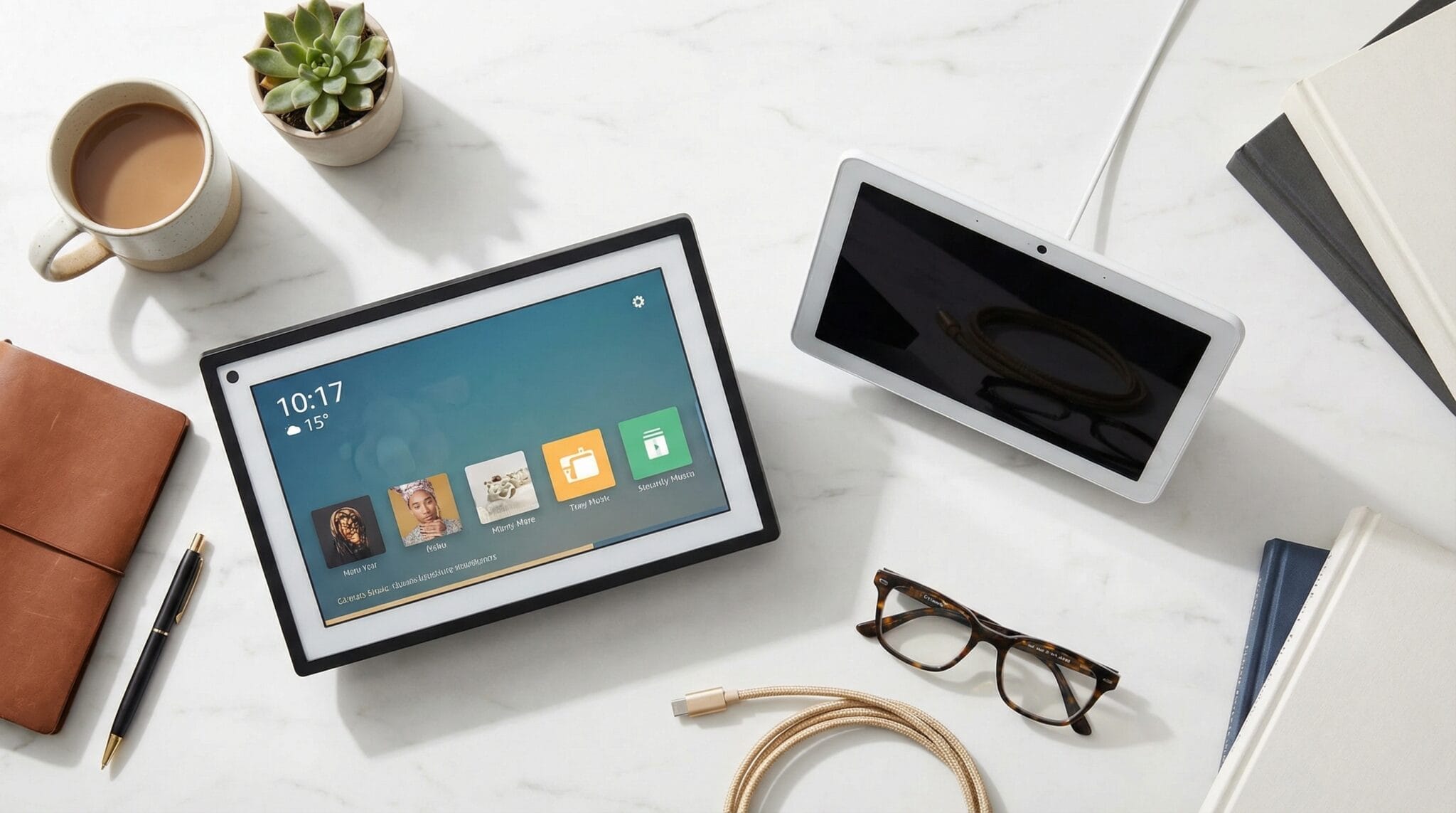
If running your smart home is the priority, this is where the two camps separate hard.
The Amazon Echo Show 21 is the overachiever. It has a built-in hub that speaks Matter, Thread, and Zigbee, so your lights, thermostat, cameras, and locks all report to one screen. Boom — instant command center.
The Google Nest Hub Max is the pick if you live in Google’s world — Chromecast, Nest cameras, Google Assistant/Gemini. It keeps the “talk to my house” thing feeling effortless. We use the Nest Hub mostly to control our bedroom lights.
The two family calendars play a smaller role here. The Hearth Display is more friendly-neighbor than coach — it does reminders and waves at a few smart devices, but it’s built for organization, not running your lights. We use the Hearth Display for nothing in our smart home — we use it almost entirely for calendars and chores for the kids. The Skylight Calendar Max hooks into Alexa and Google Assistant for the basics and gives you a tidy view, but it’s a planner first and a smart-home device a distant second.
Calendar integration: how each one keeps everyone in sync
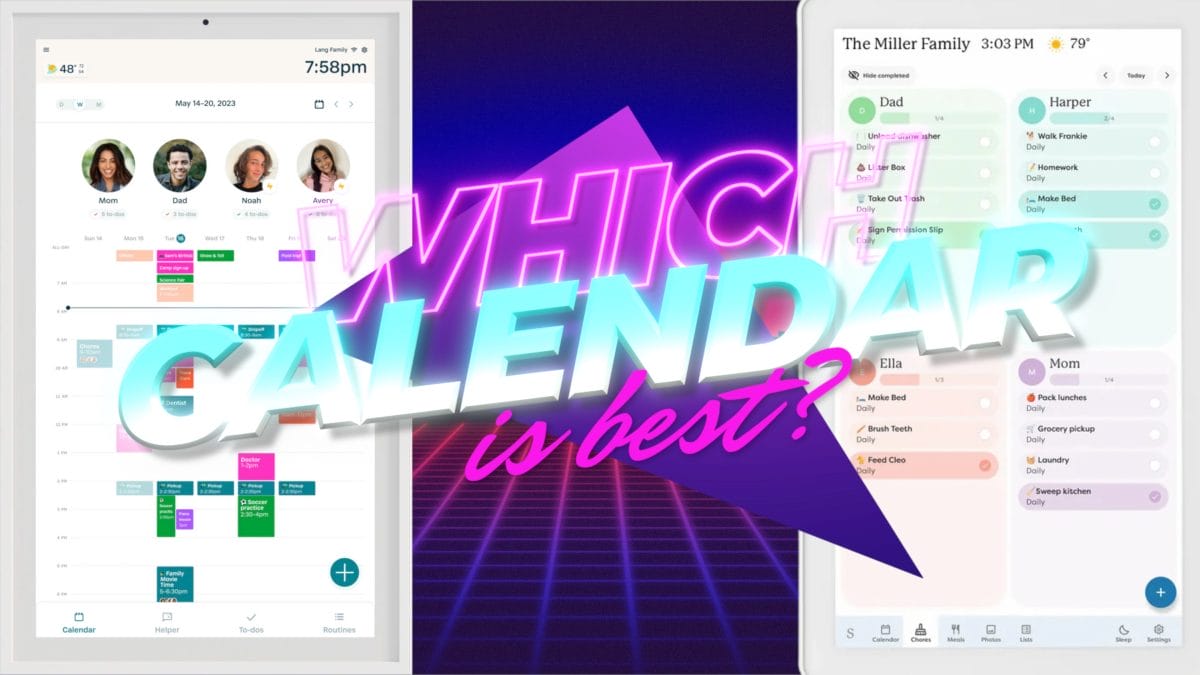
For a family display, calendar sync is the whole ballgame. Quick rundown:
- Skylight Calendar Max: syncs Google, Outlook, Apple Calendar, Cozi, and Yahoo, and its Magic Import turns PDFs, emails, and spreadsheets into events automatically — the best calendar workflow in the group.
- Hearth Display: syncs Google Calendar (two-way), Apple iCal, and Outlook, with the deepest chore/routine system and color-coded family profiles.
- Echo Show 21: links Google Calendar, Outlook, and Apple iCloud through Alexa, with voice add/lookup — but it’s personal-schedule focused, not a true family dashboard.
- Nest Hub Max: natively syncs Google Calendar and adds events by voice — cohesive if you’re all-in on Google, thinner for mixed households.
If multiple platforms and a no-retyping import workflow matter to you, the Skylight and Hearth are the real family solutions. The Echo Show and Nest Hub treat the calendar as one feature among many.
Privacy and long-term value
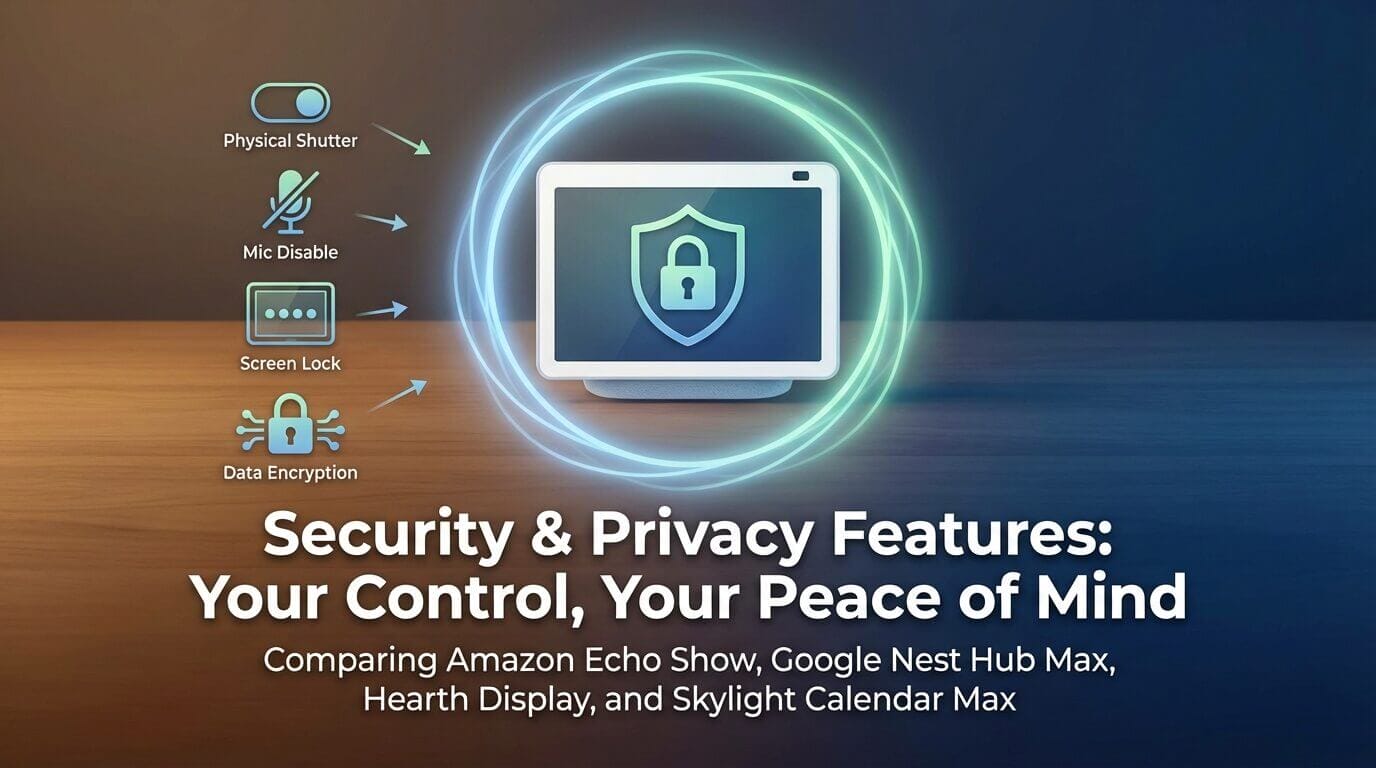
A few things worth knowing before you commit:
- Privacy: the Echo Show has a physical camera shutter and a mic-off button; the Nest Hub Max has no physical shutter but lets you disable the camera/mic in software and adds Voice Match. The Skylight and Hearth are calendars with screen locks and password protection — far less camera/mic exposure to worry about.
- Subscriptions add up: Skylight’s $79/yr and Hearth’s $9/mo are real ongoing costs. The Echo Show and Nest Hub have none. Factor a few years of subscription into the “true price” of the family calendars.
- Longevity: Amazon and Skylight push regular updates; the Nest Hub Max is the one device here we worry about aging out, given its 2019 internals and the leaked successor.
What we actually use every single day
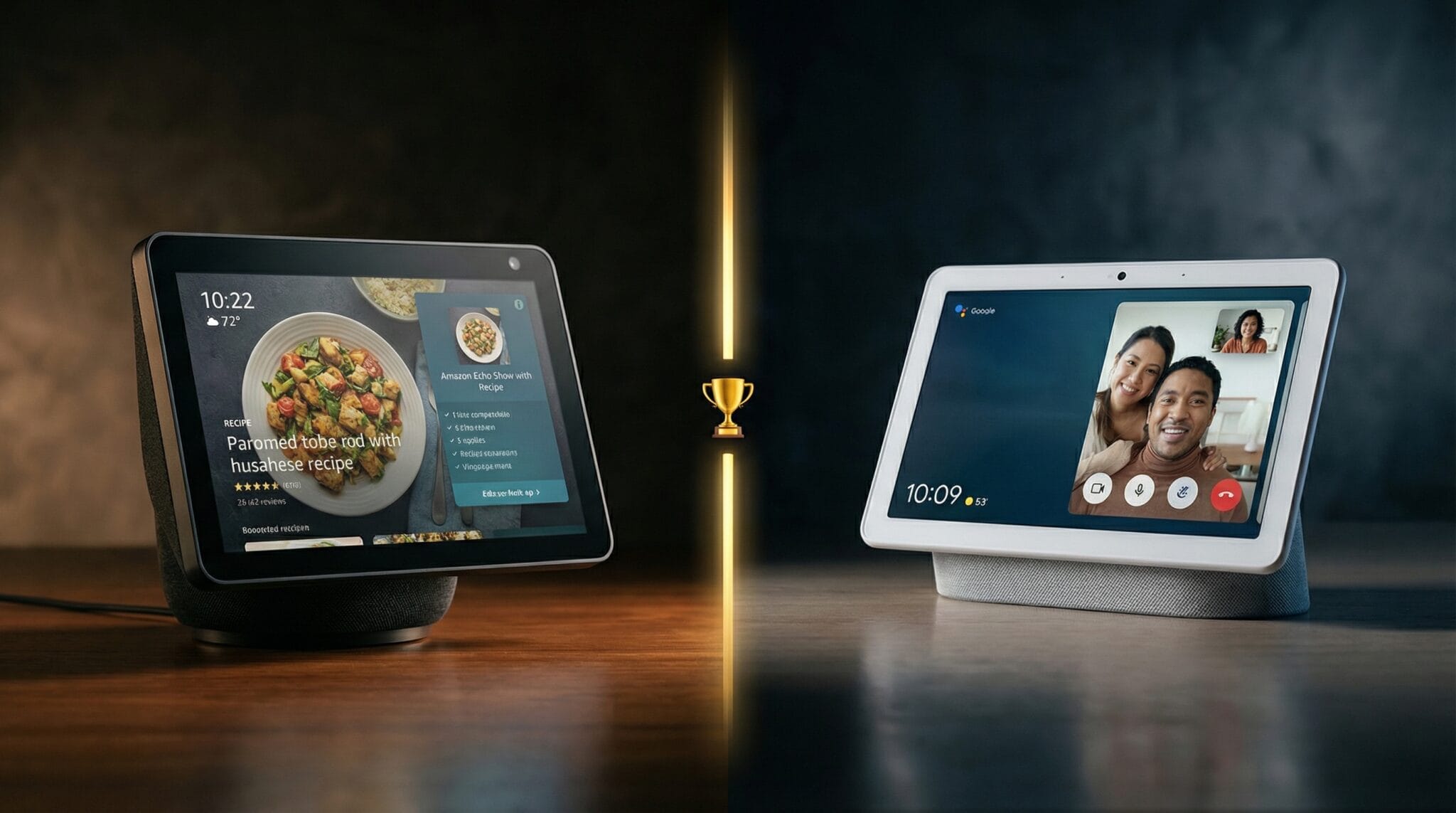
After all the testing, our own house settled into a two-device setup, and it’s the honest answer to “what do you actually run?” We use the Hearth Display as the family command center for calendars and chores, and the Google Nest Hub Max for smart-home control and photos. If we were starting fresh today, the Skylight Calendar Max is the calendar we’d hand most families first — it’s built to be the screen kids check without being nagged — exactly what we’ve seen with our Hearth.
Think of this as a larger, snappier version of the smaller Skylight Calendar. Full of great, innovative features for busy families.
How to pick the right one for your house
- Want a family calendar everyone uses? Skylight Calendar Max (best overall) or Hearth Display (if you’ll use chores/routines).
- Want a smart-home hub and a kitchen TV? Echo Show 21 for the big screen, or the cheaper Echo Show 11 ($220) for most people.
- Live entirely in Google’s world and already own one? Keep the Nest Hub Max — but wait for the successor before buying new.
- On a budget? The Echo Show 8 ($180) or Show 11 ($220) is the best value in the whole category.
There’s no single “best smart display” — there’s the best one for the job you’re hiring it to do. Match the device to your actual problem (organization vs. control vs. entertainment) and you’ll be happy. Force one device to do all three and you’ll be the person whose $600 calendar collects dust. — We Tried It