
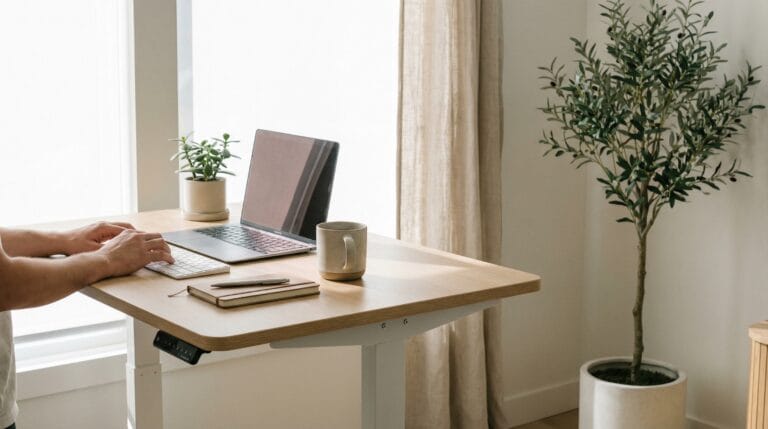

TL;DR — After 3 years and 8 standing desks, we’re convinced: a sit-stand desk is worth it for anyone logging 6+ hours at a desk daily. We recommend the Uplift V2 or Jarvis Bamboo ($500–$700) plus an Ergodriven Topo mat ($100) — cheap wobbly alternatives under $300 aren’t worth it.
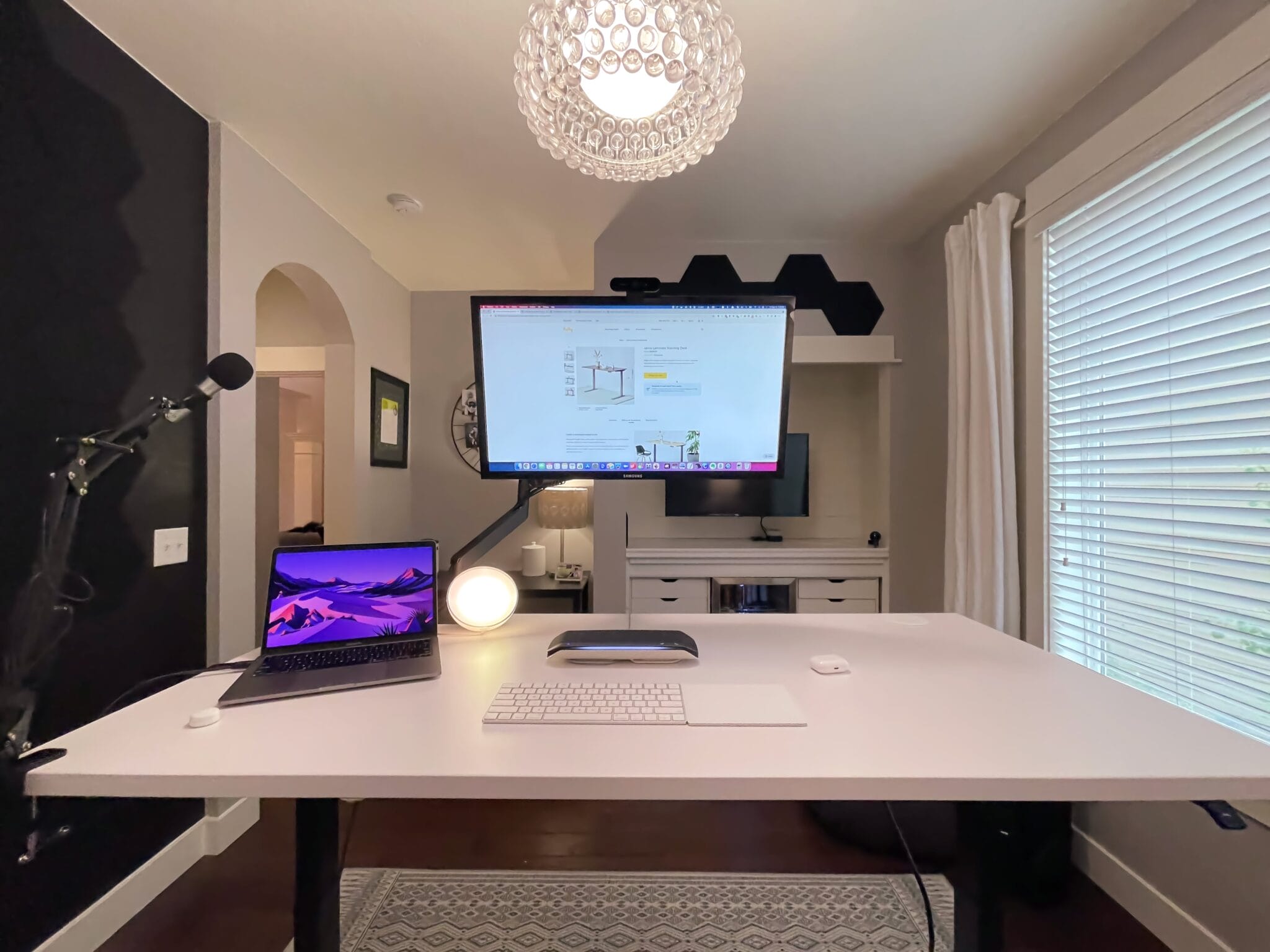
We switched to standing desks three years ago. We’ve tested 8 of them. We’ve stood for thousands of hours, and we’ve learned exactly when standing helps, when it doesn’t, and who should (and shouldn’t) make the switch.
Here’s the honest truth — not the “sitting is the new smoking” hype, and not the “standing desks are a scam” contrarianism. Just three years of real experience.
The spoiler: A standing desk is worth it for most office workers, but not for the reasons you think. And the way most people use them is wrong.
The Health Claims: What’s Real vs. Hype
Let’s start with what the research actually says — not what standing desk companies want you to believe.
Real Benefits (Backed by Research)
Reduced back and neck pain — This is the strongest evidence. A 2018 study in the British Medical Journal found that sit-stand desk users reported significantly less lower back pain and neck pain compared to sitting-only workers. Our experience matches: back discomfort noticeably decreased within 2-3 weeks of alternating between sitting and standing.
Improved energy and mood — A 2011 study in Preventive Medicine found that sit-stand desk users reported less fatigue, reduced tension, and improved mood compared to their seated-only counterparts. This was obvious to us — the afternoon slump hits differently when you’re standing. Standing through the 2-3 PM energy dip feels like a cup of coffee.
Better posture awareness — Standing forces you to think about your body position. When you’re seated, you gradually slouch without noticing. Standing isn’t automatically better posture — you can stand with terrible posture too — but the act of transitioning makes you more aware.
Reduced sedentary time — Obvious but important. Americans sit an average of 10 hours per day. A sit-stand desk naturally breaks that pattern. Even alternating 30 minutes sitting / 30 minutes standing means 4 fewer hours of continuous sitting per day.
Overhyped Claims
“Sitting is the new smoking” — This headline was catchy but misleading. Sitting for 8+ hours daily is associated with health risks, but it’s not comparable to smoking. The real issue is prolonged inactivity, not sitting itself. A person who sits but exercises regularly is healthier than a person who stands all day but is otherwise sedentary.
“Standing desks help you lose weight” — Technically true but practically meaningless. Standing burns roughly 8-10 more calories per hour than sitting. Over a full workday, that’s maybe 50-80 extra calories — less than an apple. You won’t notice the difference on a scale. If weight loss is your goal, the standing desk isn’t it.
“Standing desks prevent heart disease” — The evidence is mixed and mostly observational. Prolonged sitting is associated with cardiovascular risk, but it’s unclear whether a standing desk specifically reduces that risk. Regular exercise is far more impactful.
“Standing all day is better than sitting all day” — Standing all day is actually worse than sitting all day for some issues. Prolonged standing increases risk of varicose veins, foot pain, and joint fatigue. The magic is in the alternating.
The Productivity Question
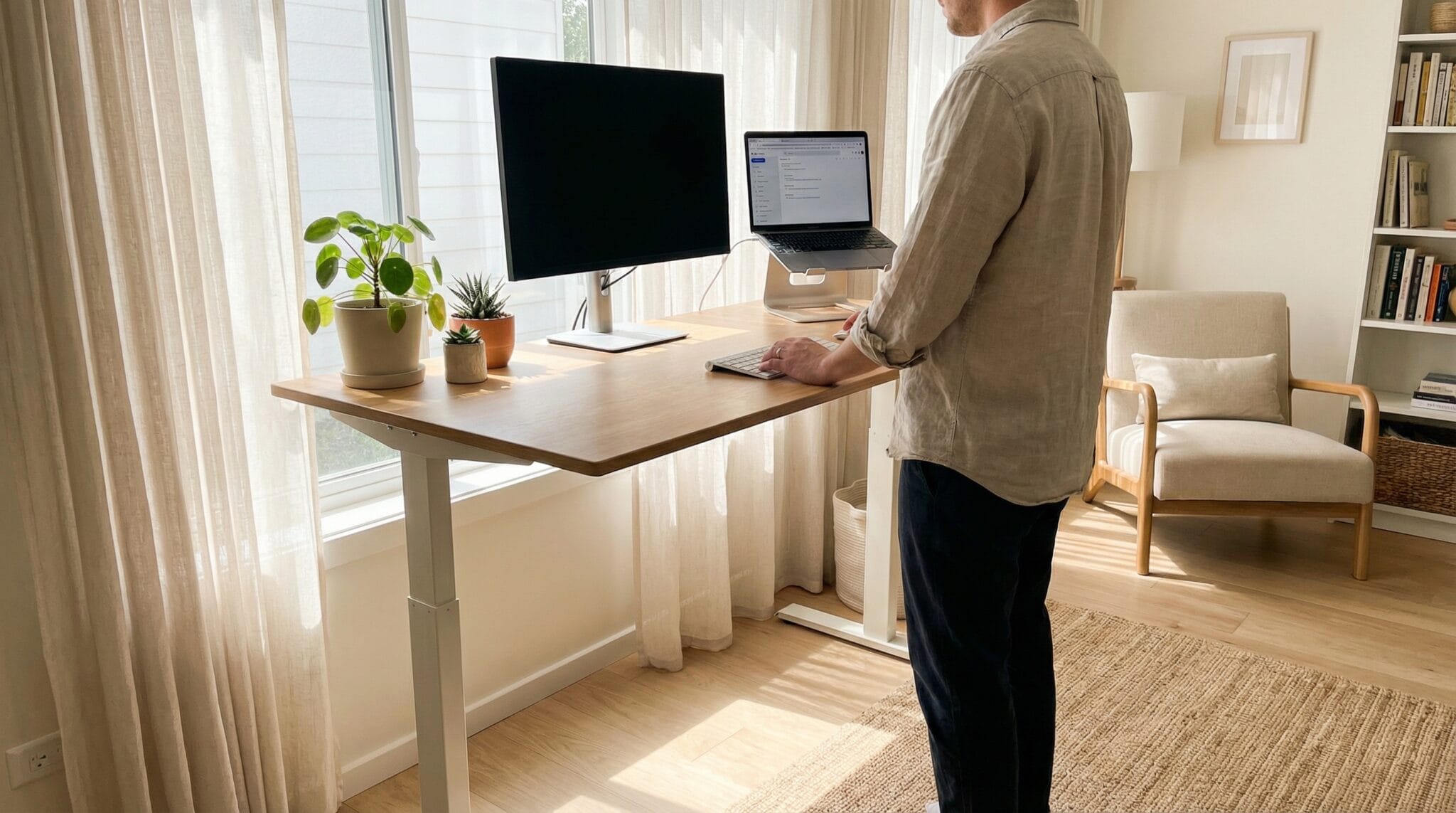
Does standing make you more productive? Here’s what we’ve found after three years:
Standing is better for:
- Video calls (you sound more energetic and engaged)
- Quick tasks and email (the slight urgency of standing keeps you focused)
- Creative brainstorming (something about standing unlocks ideas)
- The afternoon energy slump (standing through 2-4 PM is a game-changer)
- Phone calls (try pacing while standing — it’s natural)
Sitting is better for:
- Deep focus work — writing, coding, spreadsheets, analysis
- Tasks over 60 minutes that require sustained concentration
- Detail-oriented work where physical comfort matters
- Reading long documents
- When you’re tired (fighting fatigue while standing = worse output)
The pattern we settled on:
- Morning (8-12): Mostly standing. Energy management.
- Afternoon (12-3): Mostly sitting. Deep work happens here.
- Late afternoon (3-5): Alternate every 30 minutes.
This isn’t a rigid schedule — it’s a natural rhythm that emerged after months of experimentation. The key insight: standing is for energy management, not productivity.
What Nobody Tells You About Standing Desks
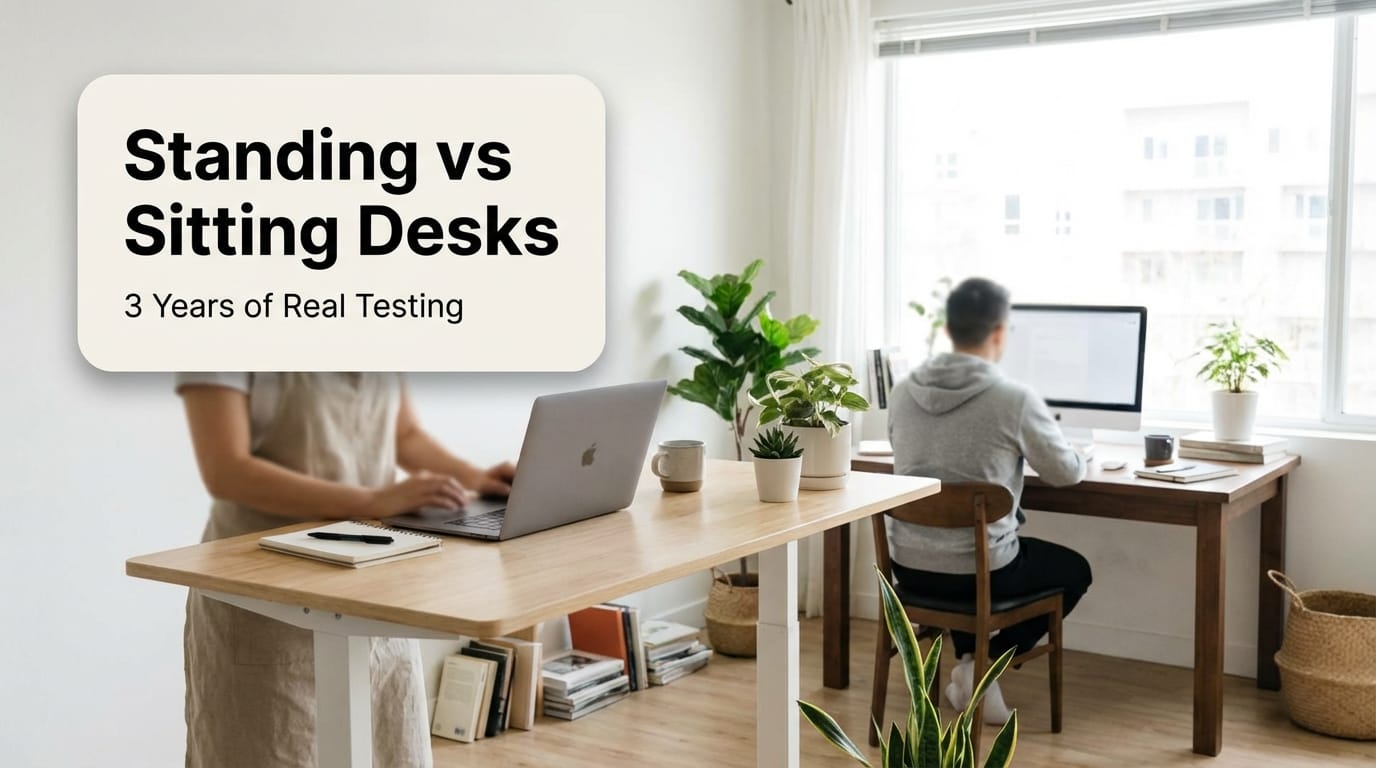
The First Two Weeks Suck
Your feet will hurt. Your lower back will ache. Your legs will be tired by 3 PM. This is normal. You’ve been sitting for years — your body needs time to adapt. Start with 30 minutes of standing, 60 minutes sitting. Gradually increase over 2-3 weeks.
You Need a Standing Desk Mat (Non-Negotiable)
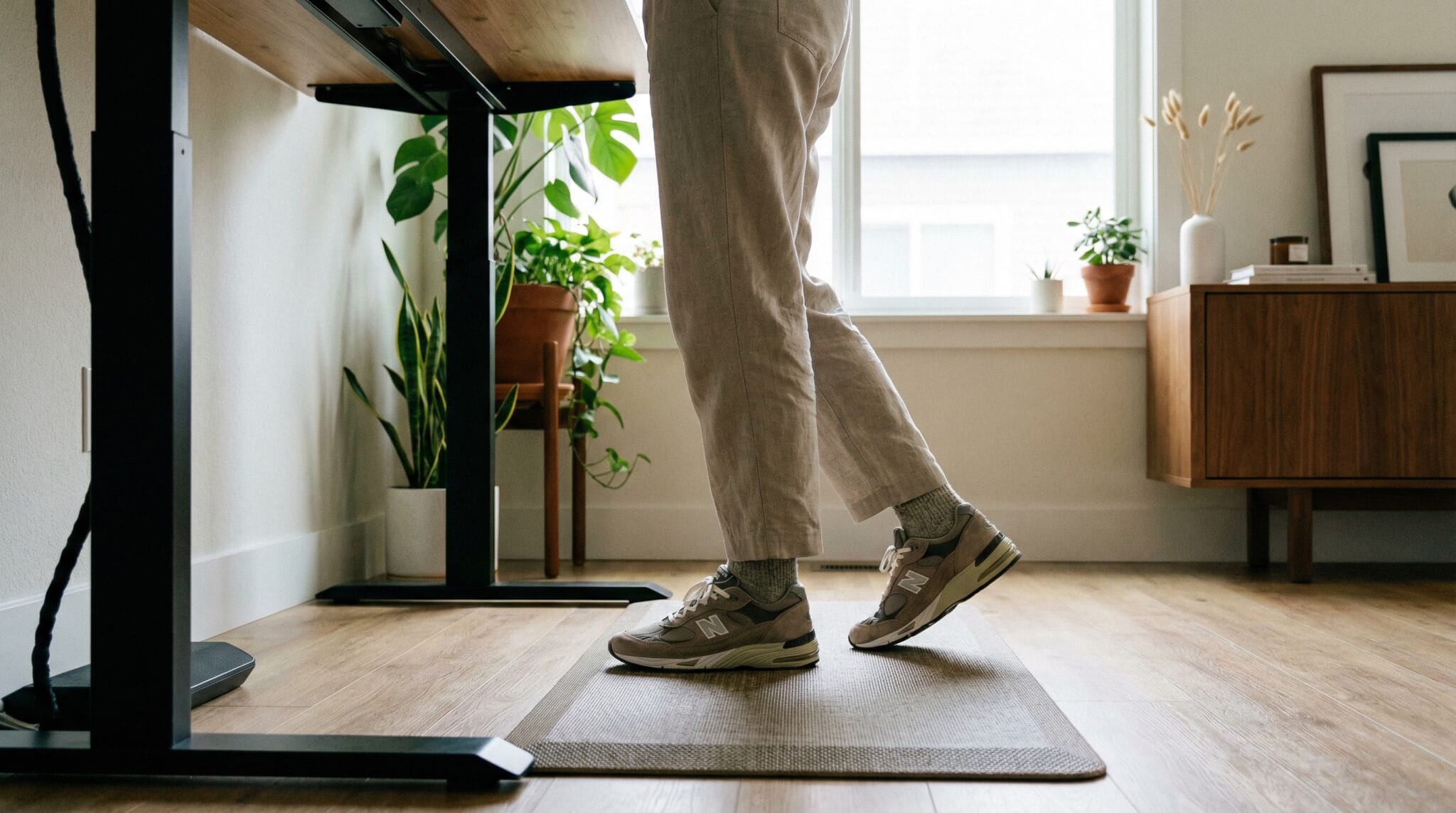
Standing on a hard floor for hours is miserable. A good anti-fatigue mat ($30-50) transforms the experience. We’ve tested them — check out our standing desk accessories guide for our top picks. This is the most important accessory and the one most people skip.
Cable Management Becomes a Problem
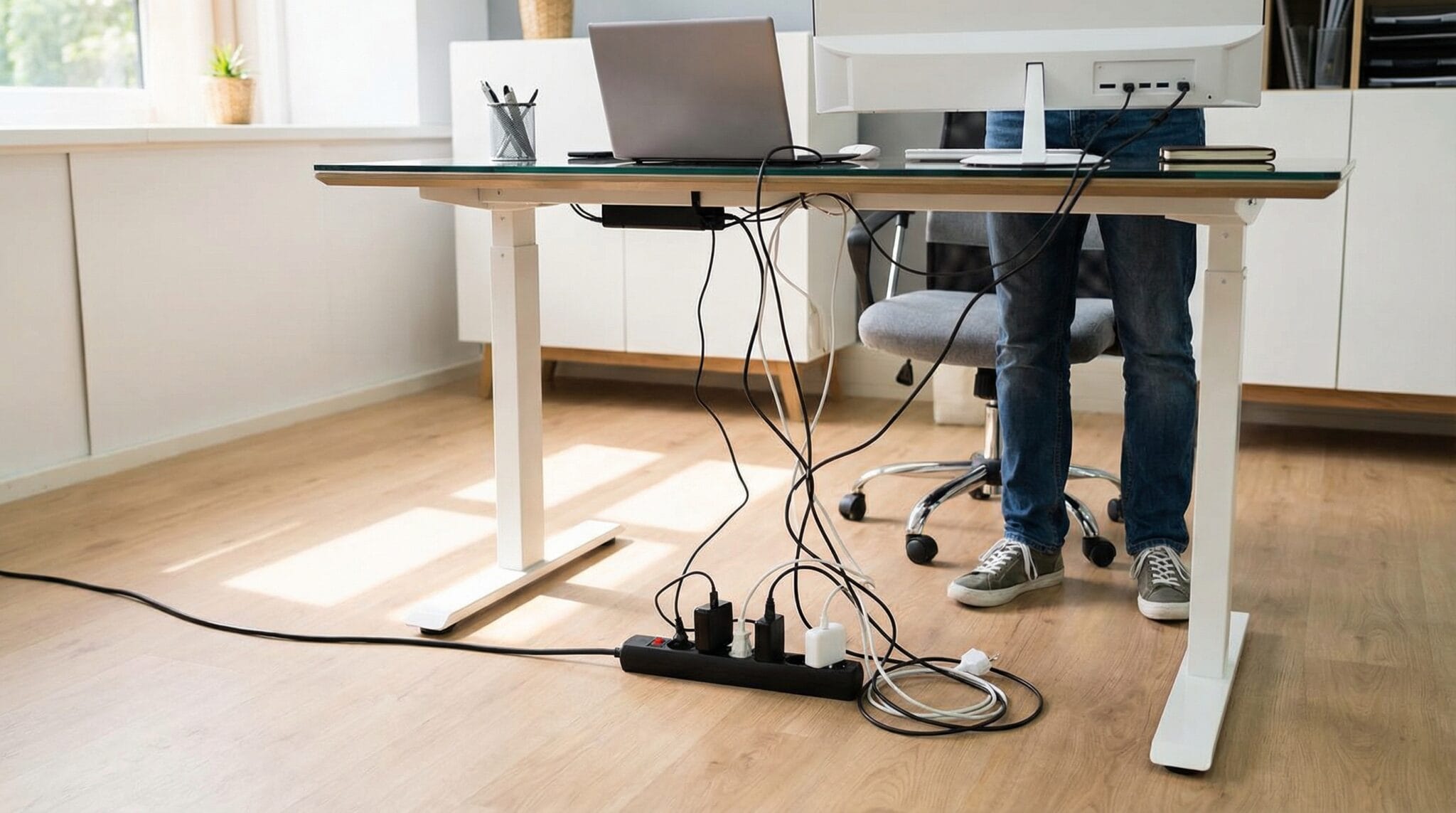
When your desk moves up and down 18 inches, cables go from neat to catastrophe. Plan for this with cable trays, cable chains, or longer cables. It’s a solvable problem but an annoying one if you don’t anticipate it.
Footwear Matters
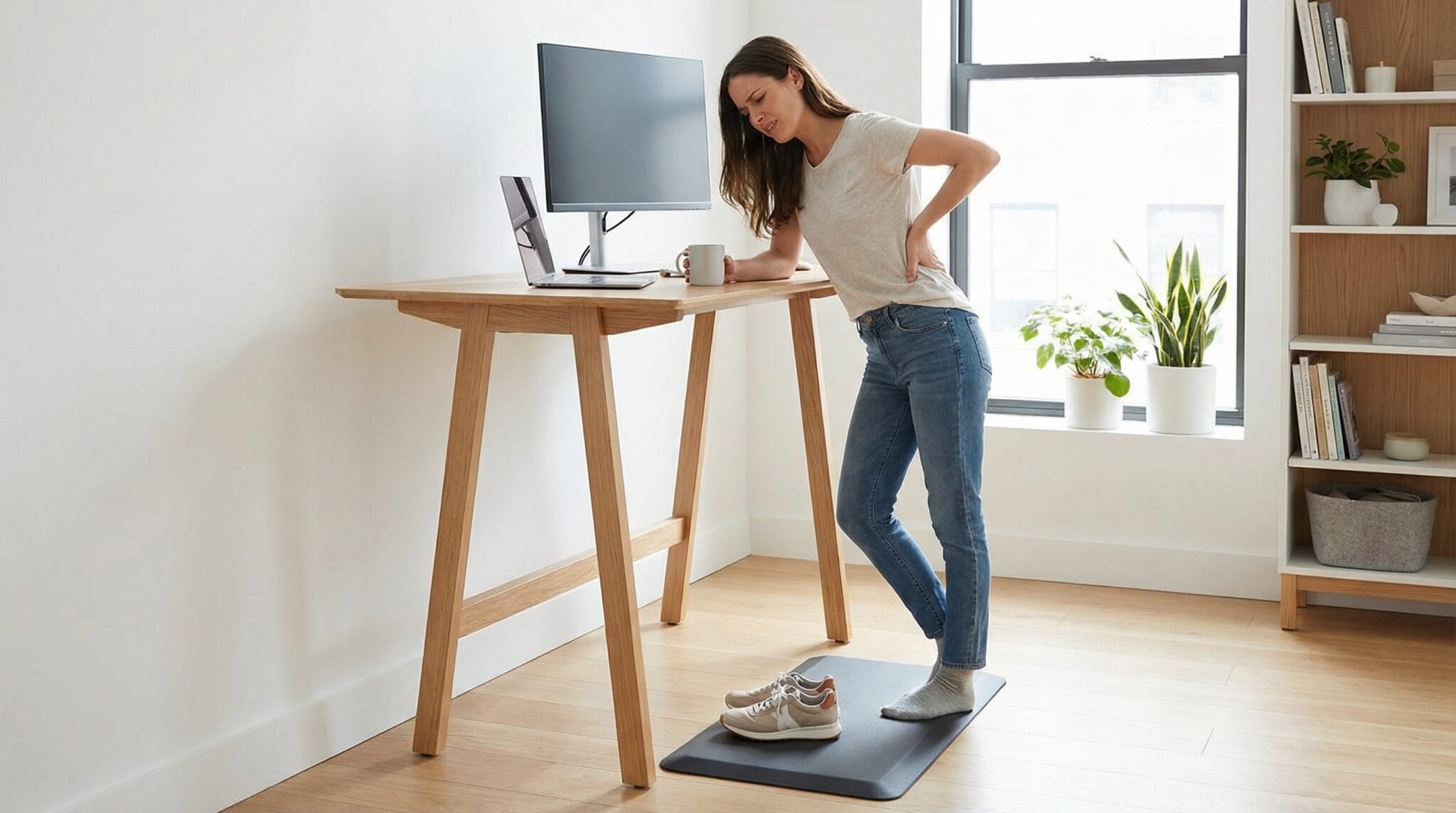
Standing barefoot on a mat: great. Standing in dress shoes: awful. Standing in supportive sneakers: fine. Invest in good house shoes or comfortable footwear for your home office. Many standing desk users (including us) keep dedicated “standing shoes” at their desk.
Dual Monitor Setup Needs Adjustment
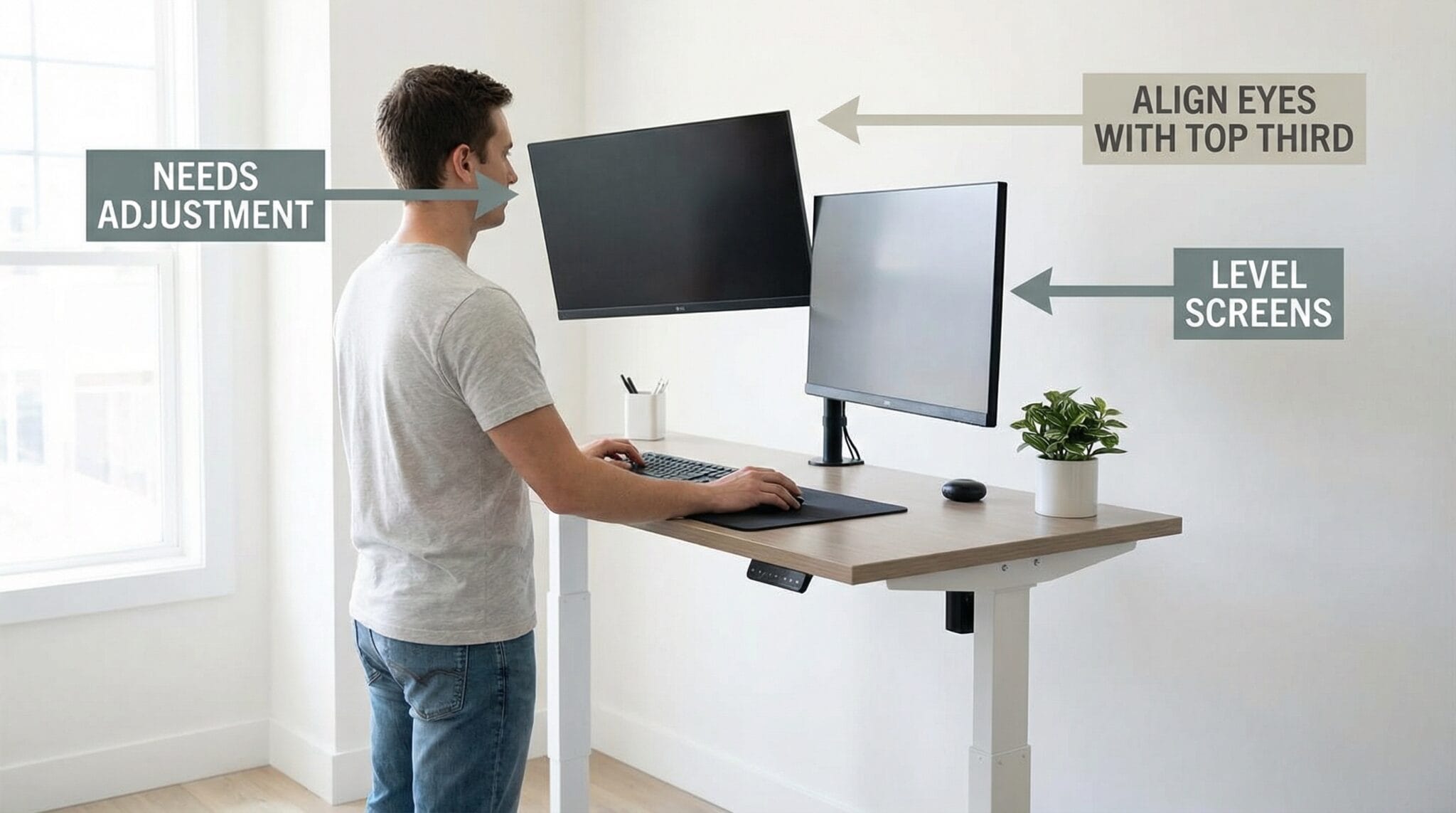
If you use multiple monitors, you’ll need adjustable monitor arms. Your eye line changes 6+ inches between sitting and standing. Monitors that are perfect sitting height will be too low standing, and vice versa. Arms solve this ($30-100 on Amazon).
The Desk Quality Matters Way More Than You Think
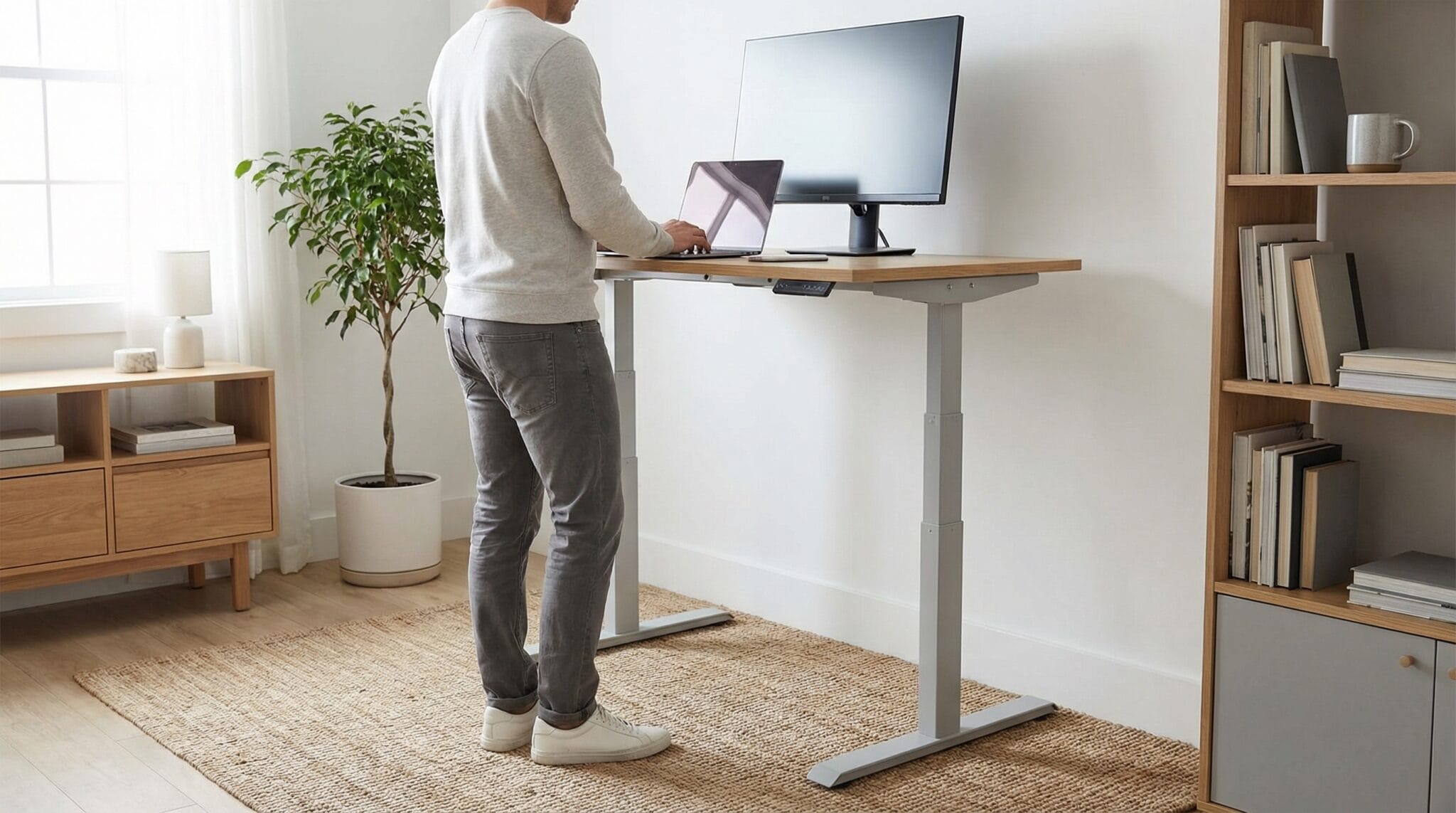
Cheap standing desks wobble at standing height. A 48″ desk with a single-stage motor at full extension can sway noticeably when you type. Premium desks (Uplift, Jarvis, fully) use dual motors and thicker legs to eliminate wobble. We have strong opinions on this — see our Best Standing Desks guide.
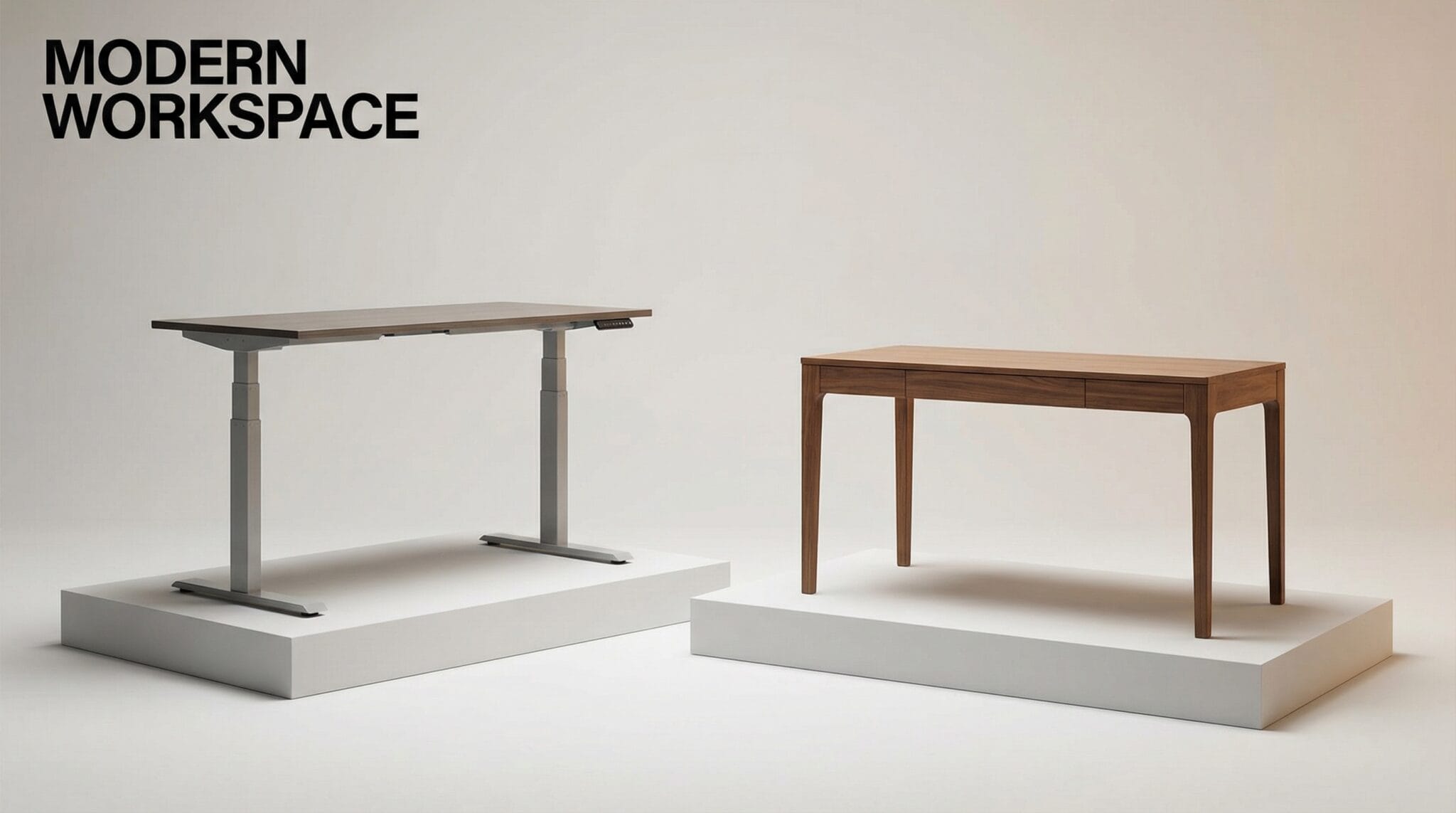
The Real Comparison: Standing Desk vs. Sitting Desk
| Factor | Sitting Desk | Standing Desk |
|---|---|---|
| Cost | $100-500 | $300-1,500 |
| Back pain | Common (especially lower back) | Significantly reduced |
| Foot/leg fatigue | Non-issue | Real concern without a mat |
| Deep focus work | ★★★★★ | ★★★★ (better seated) |
| Energy/mood | Afternoon slump | Noticeably better |
| Video calls | Fine | Better (more energetic presence) |
| Space needed | Less | Same footprint, more height clearance |
| Setup complexity | Plug in monitors, done | Cable management, mat, arms |
| Versatility | One position | Two positions (sit + stand) |
| Calorie burn | Baseline | Marginally more (don’t count on it) |
| Long-term health | Sedentary risk | Reduced sedentary time |
Who Should Get a Standing Desk
Definitely worth it if you:
- Work from home and sit 6+ hours at a desk daily
- Experience lower back pain or stiffness from sitting
- Hit an afternoon energy wall every day
- Want to improve your video call presence
- Have the budget ($300+ for a decent one)
Probably worth it if you:
- Are generally healthy but want to reduce sitting time
- Work a mix of focus work and meetings
- Care about your long-term health
- Already exercise regularly (standing supplements, doesn’t replace)
Probably NOT worth it if you:
- Have severe foot, knee, or joint problems (consult your doctor)
- Do exclusively deep-focus work (coding, writing) and are happy sitting
- Can’t spend $300+ (a cheap standing desk that wobbles is worse than a good sitting desk)
- Work in an office where standing would be weird or impractical
- Think it will replace exercise (it won’t)
The Setup We’d Recommend

If we were starting from scratch today:
- Standing desk: Uplift V2 or Jarvis Bamboo ($500-700) — stable, reliable, looks good
- Anti-fatigue mat: Topo Comfort by Ergodriven ($100) — the best mat we’ve tested
- Monitor arm(s): Amazon Basics or Ergotron LX ($30-130) — makes height transitions seamless
- Cable management tray: $20-30 from Amazon — keeps cables from catching during adjustments
- Good chair: Don’t cheap out on the chair either — you’ll still sit 50% of the time
Total investment: $650-1,000 for a setup you’ll use for 5-10 years. That’s $0.50-1.00 per day.
The Bottom Line
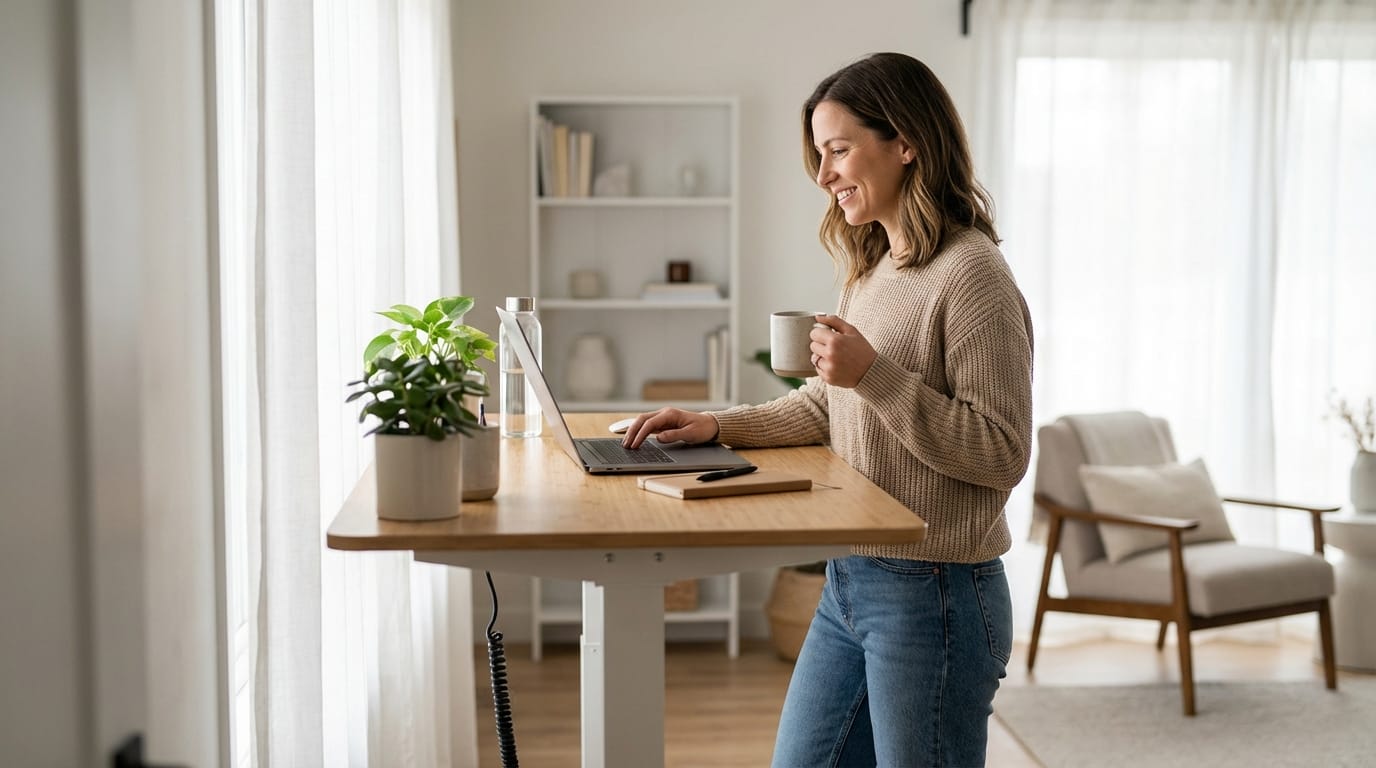
A standing desk won’t change your life. It won’t burn enough calories to lose weight, it won’t cure your back problems overnight, and it won’t make you a productivity machine.
But after three years, here’s what it has done for us: less back pain, more energy in the afternoons, better video call presence, and a general sense of physical well-being at work. Those are real, tangible, daily improvements.
For anyone who sits at a desk for 6+ hours a day, the $500 investment in a good sit-stand desk is one of the best home office upgrades you can make. Just remember: the goal isn’t to stand all day. The goal is to move more and sit less.
Start with our Best Standing Desks guide for our top picks, and don’t forget the accessories — the mat alone is worth the price of admission.
Last updated: January 2026.
FAQ
How long should I stand vs. sit?
Start with 30 minutes standing, 60 minutes sitting. Build to roughly 50/50 over 2-3 weeks. Listen to your body — if your feet hurt, sit down. The research suggests 15-30 minute alternating intervals are optimal, but real life is messier than research.
Will a standing desk fix my back pain?
For most desk-related back pain, yes — if you use it properly (alternating, not standing all day). For back pain caused by other issues (disc problems, spinal conditions), consult your doctor first. A standing desk is not physical therapy.
Standing desk converter vs. full standing desk — which is better?
Full standing desk. Converters (platforms that sit on your existing desk and raise your keyboard/monitors) work, but they’re clunky, limit your desk space, and don’t raise your whole workspace. If budget allows, get a proper sit-stand desk. If not, a converter ($150-300) is better than nothing.
Do I need to stand to justify the purchase?
No. Even if you stand just 1-2 hours per day, the flexibility is worth it. A standing desk is really a “choice desk” — it gives you the option. Most standing desk owners report using it in standing position 30-50% of the time, and that’s plenty for the benefits.
How much should I spend?
$400-700 gets you an excellent standing desk that will last 5-10 years. Under $300, you’re likely getting wobble at standing height and a motor that may fail. Over $1,000, you’re paying for aesthetics and features most people don’t need. Our Best Standing Desks guide covers every price range.